AWS machine instance
As well as our monthly license model you can setup an Amazon Web Service machine instance and pay by the hour.
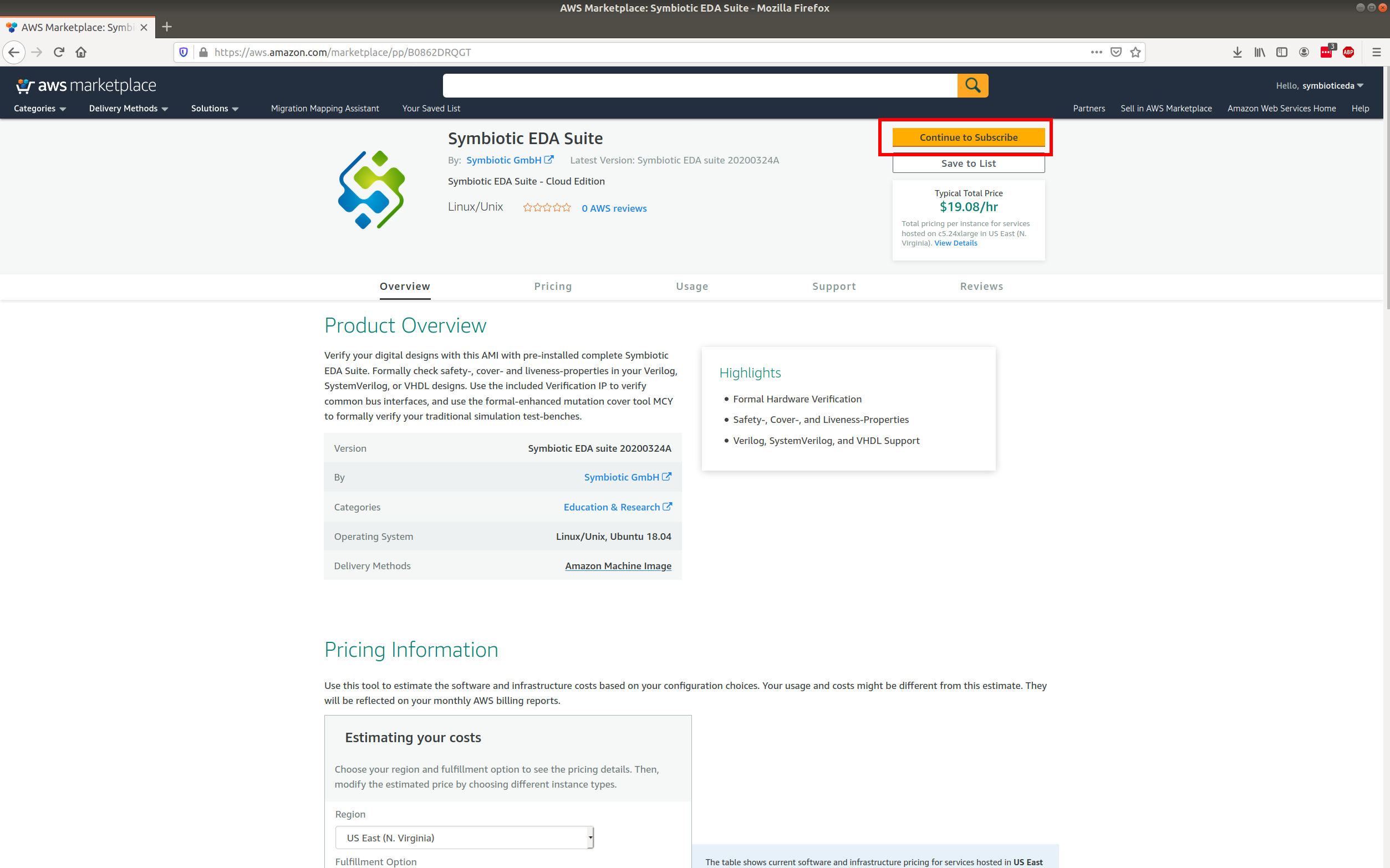
Go to the URL https://aws.amazon.com/marketplace/pp/B0862DRQGT
Click the subscribe button (highlighted with red rectangle).
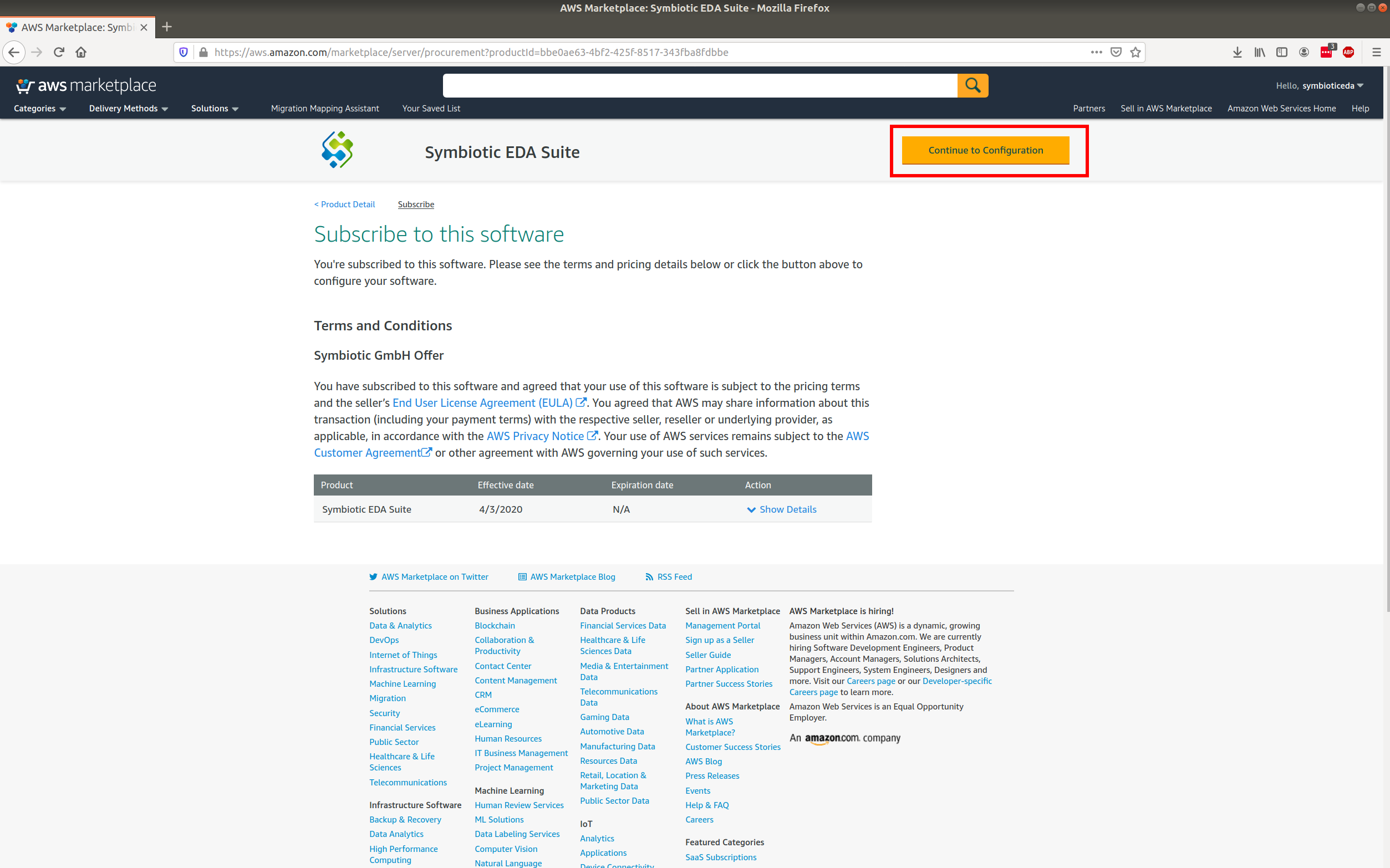
Continue to configuration
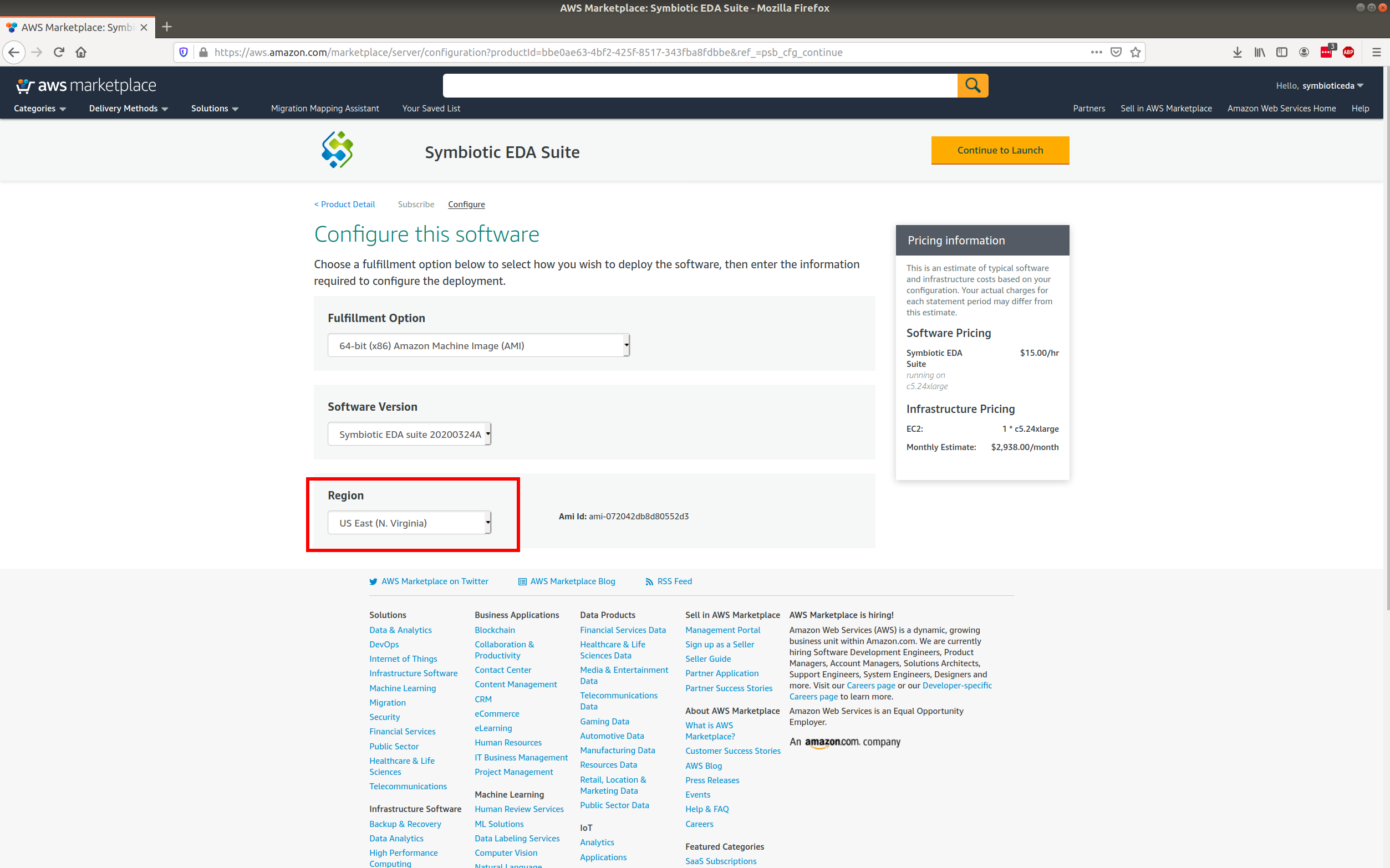
Choose your region
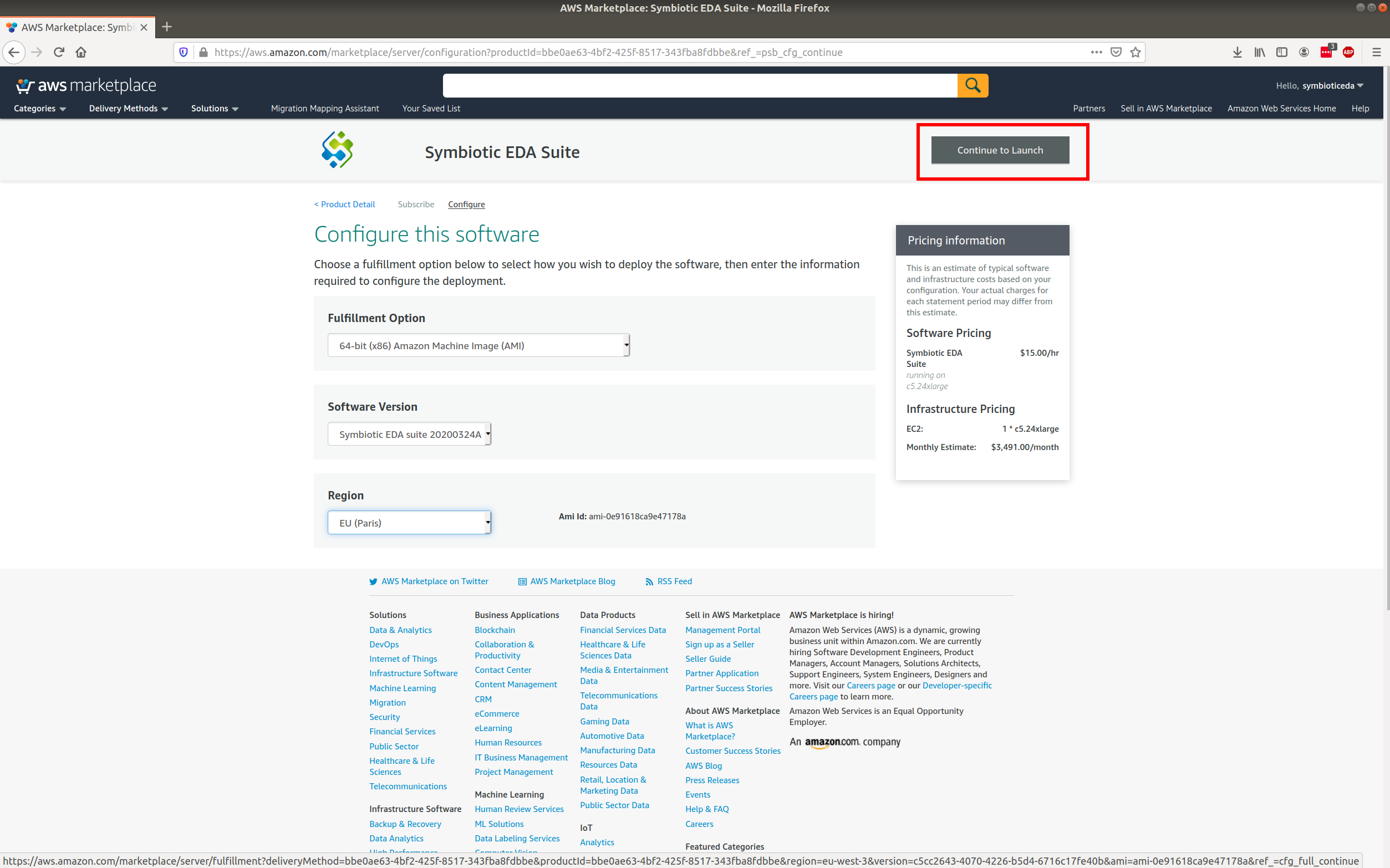
Continue to Launch
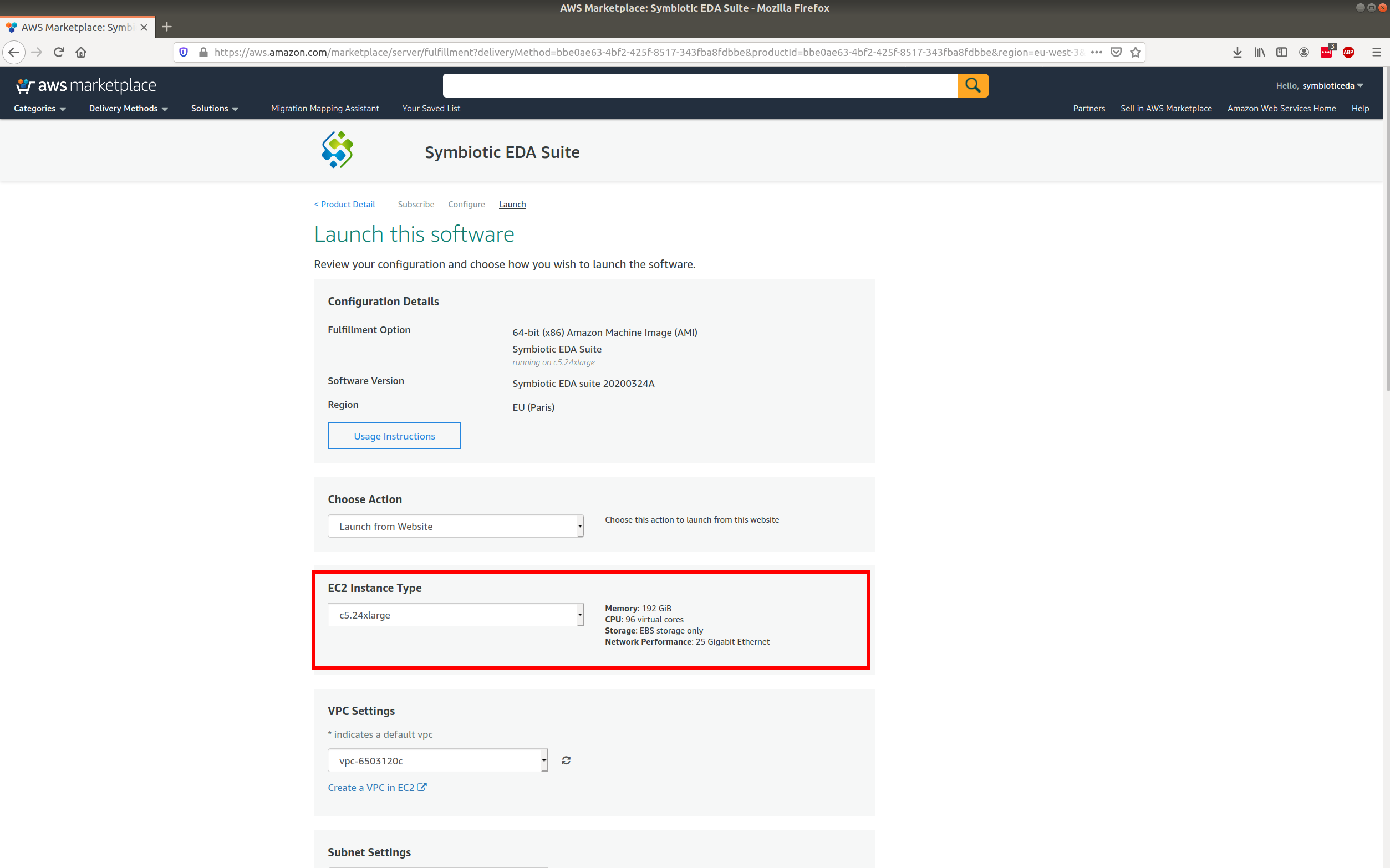
Change instance type
Change the EC2 instance type. If you have a new account, you will be limited to the smallest machine: c5.2xlarge.
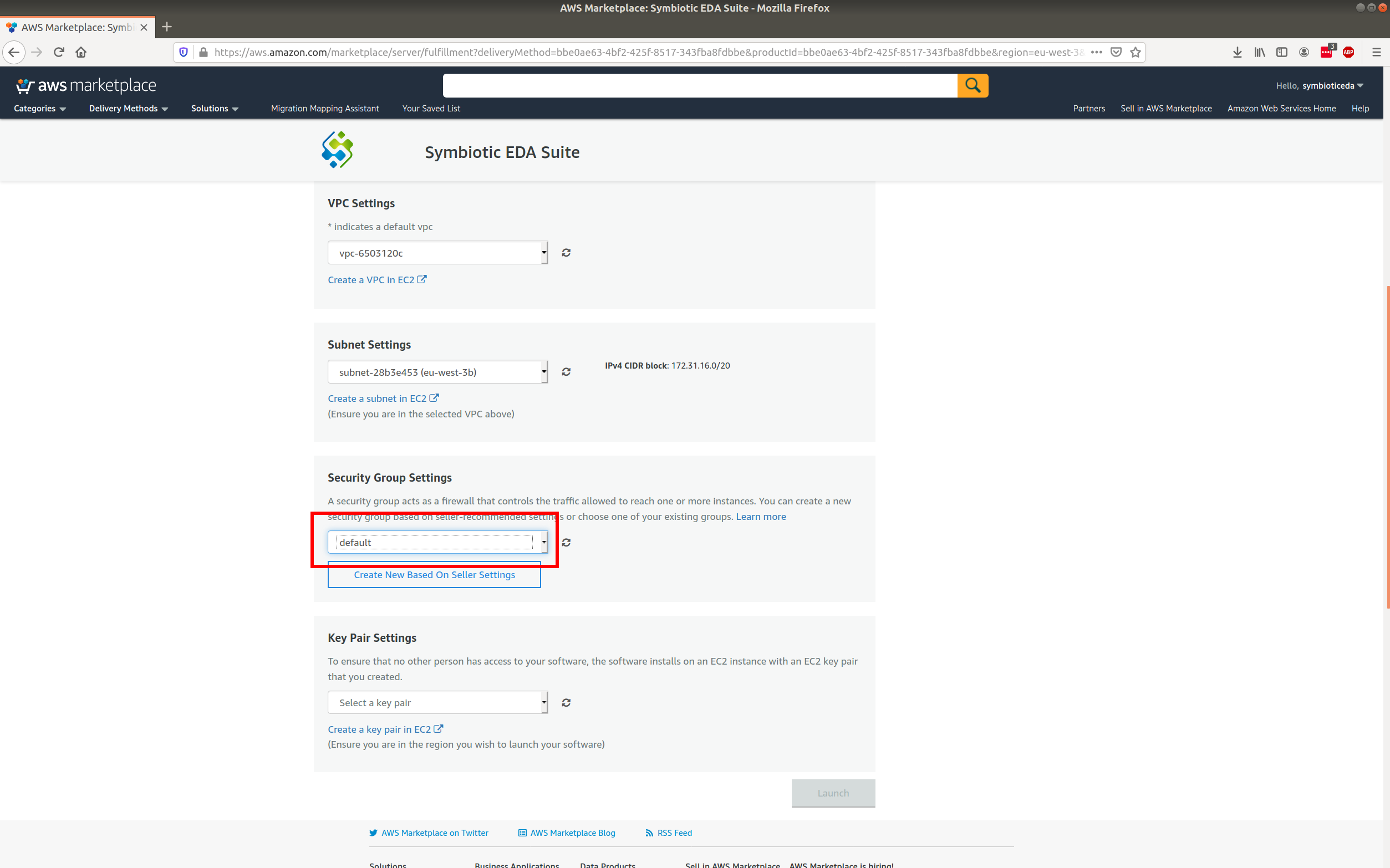
Choose or setup a key pair
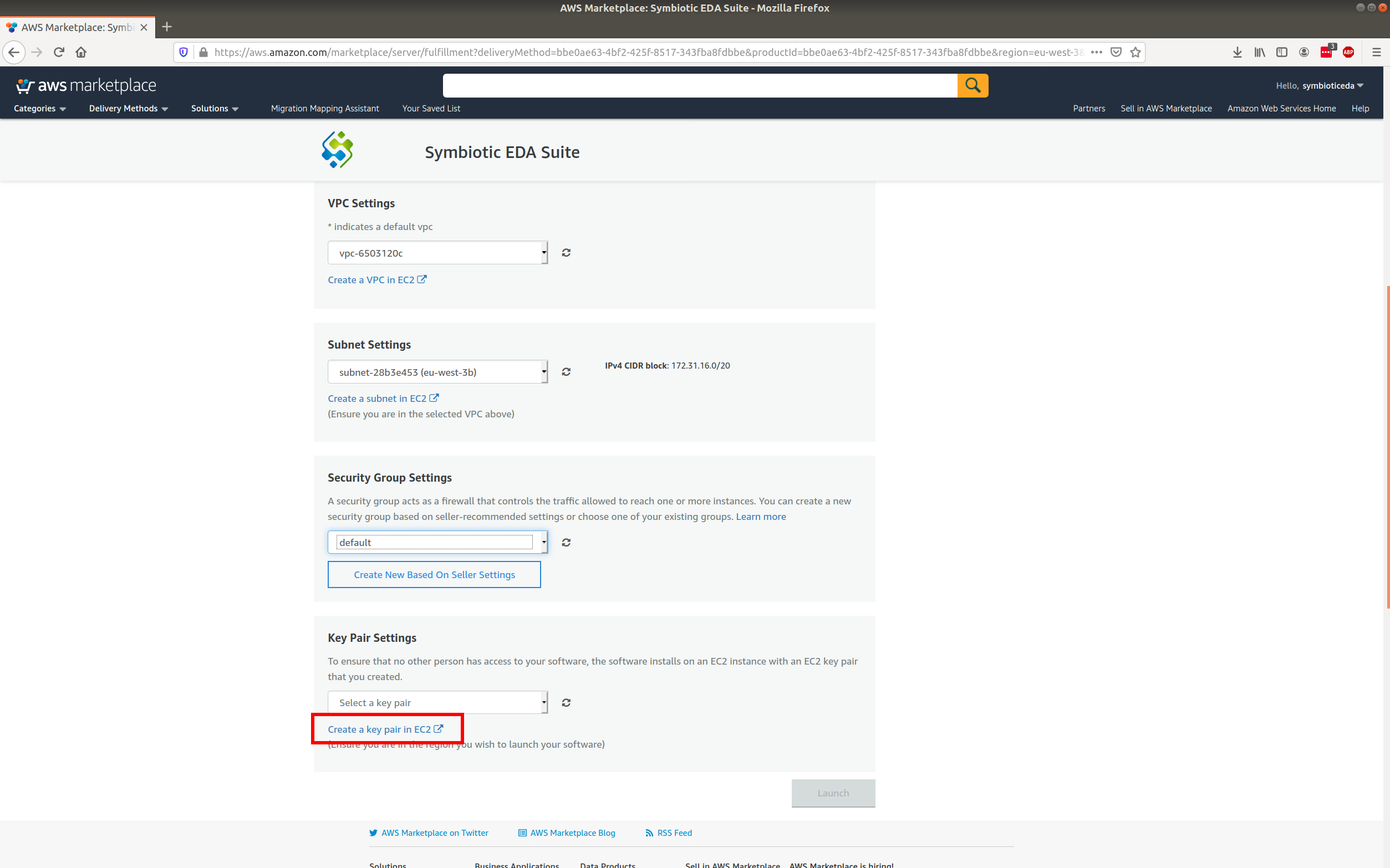
If you already have a key pair choose it and skip to page Launch the new instance. Otherwise click the link. This will open a new tab where you can create a key pair.
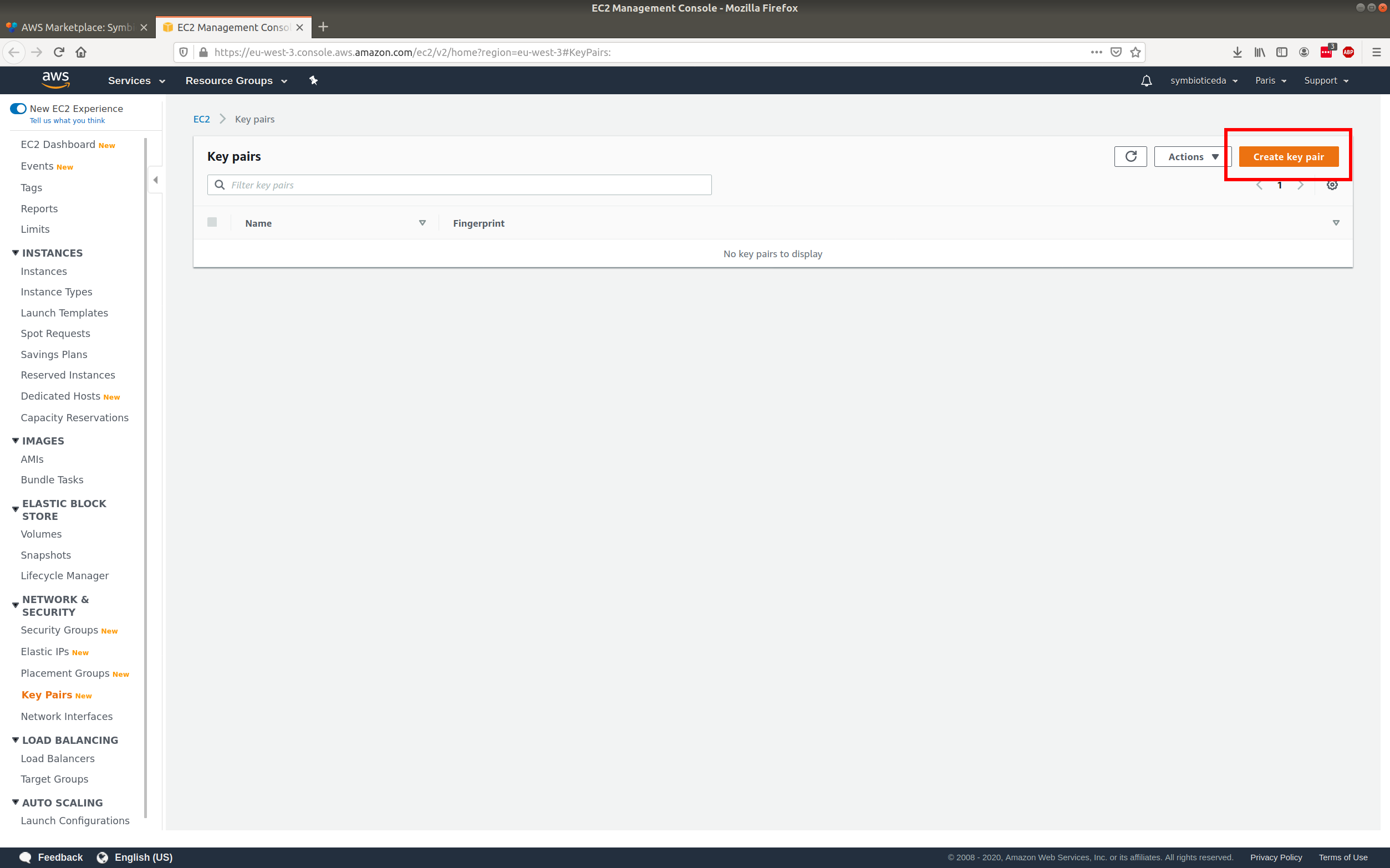
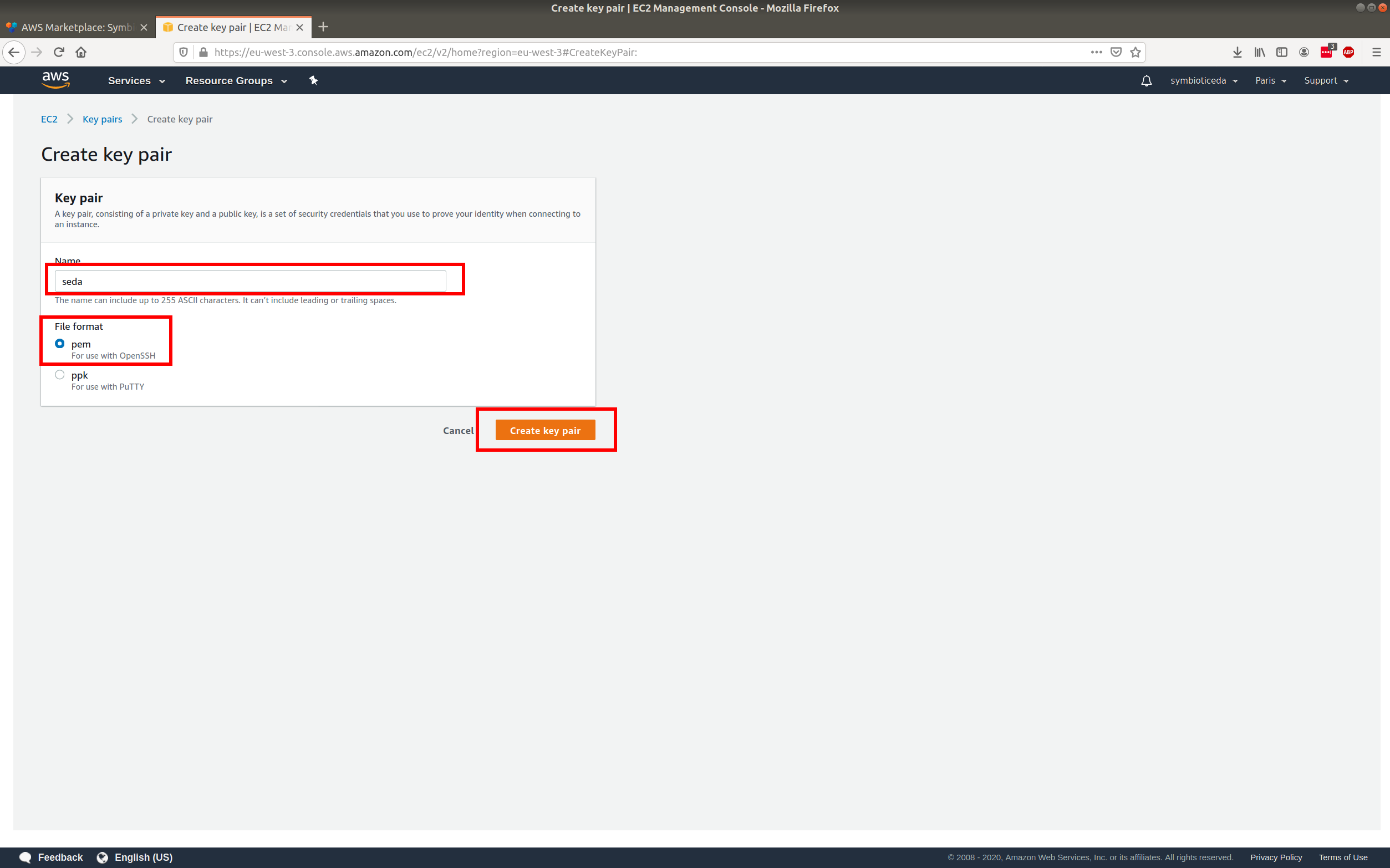
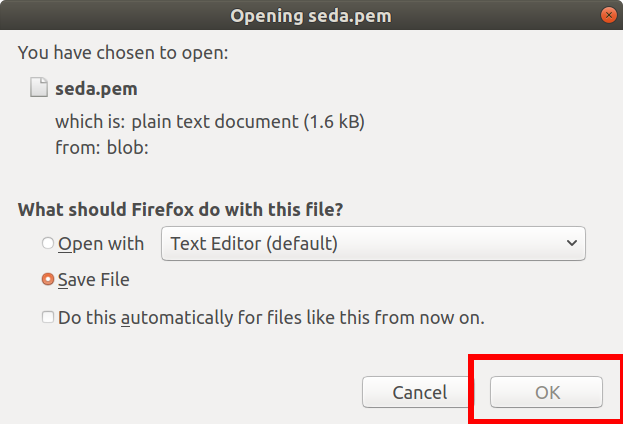
Save the key pair
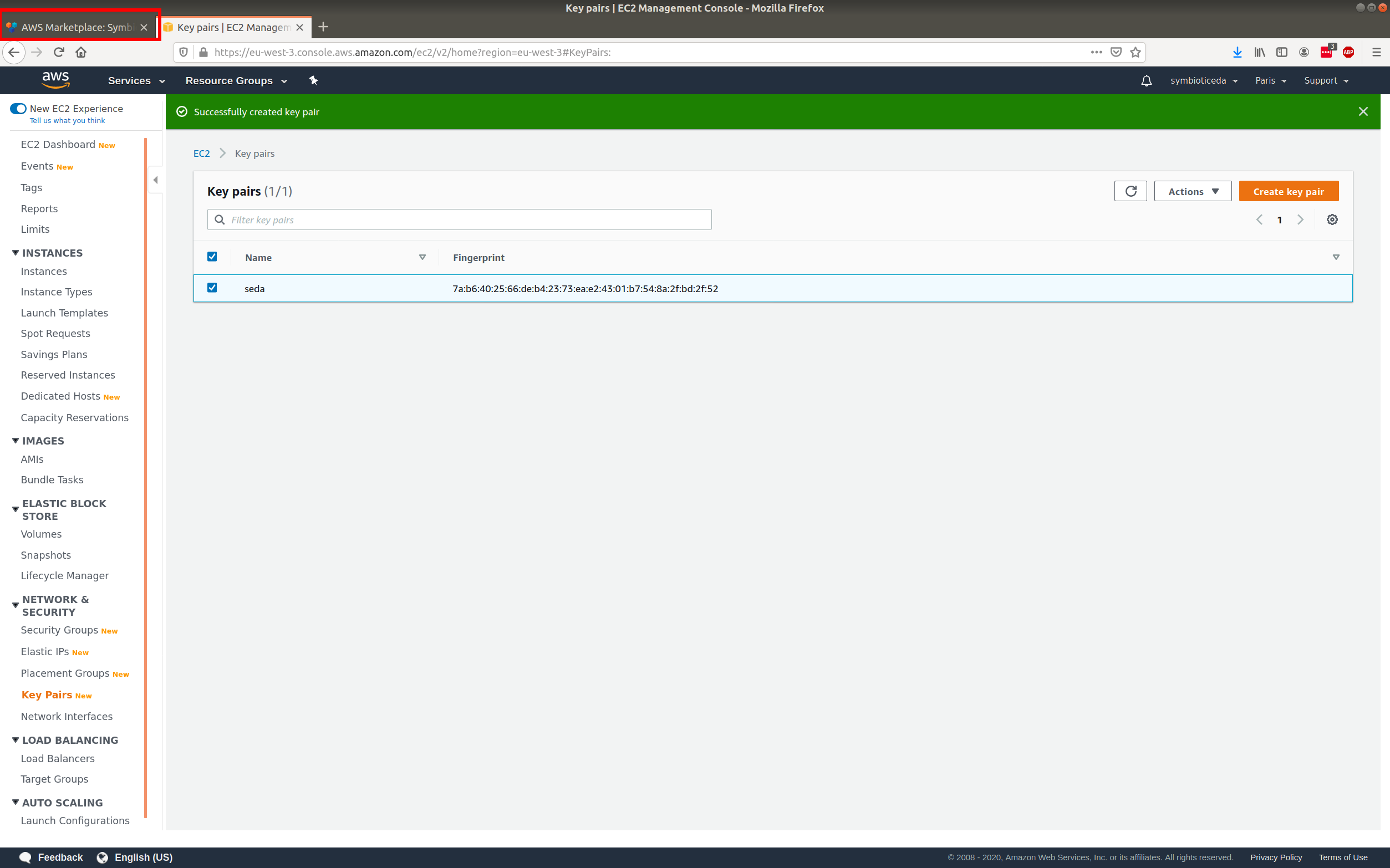
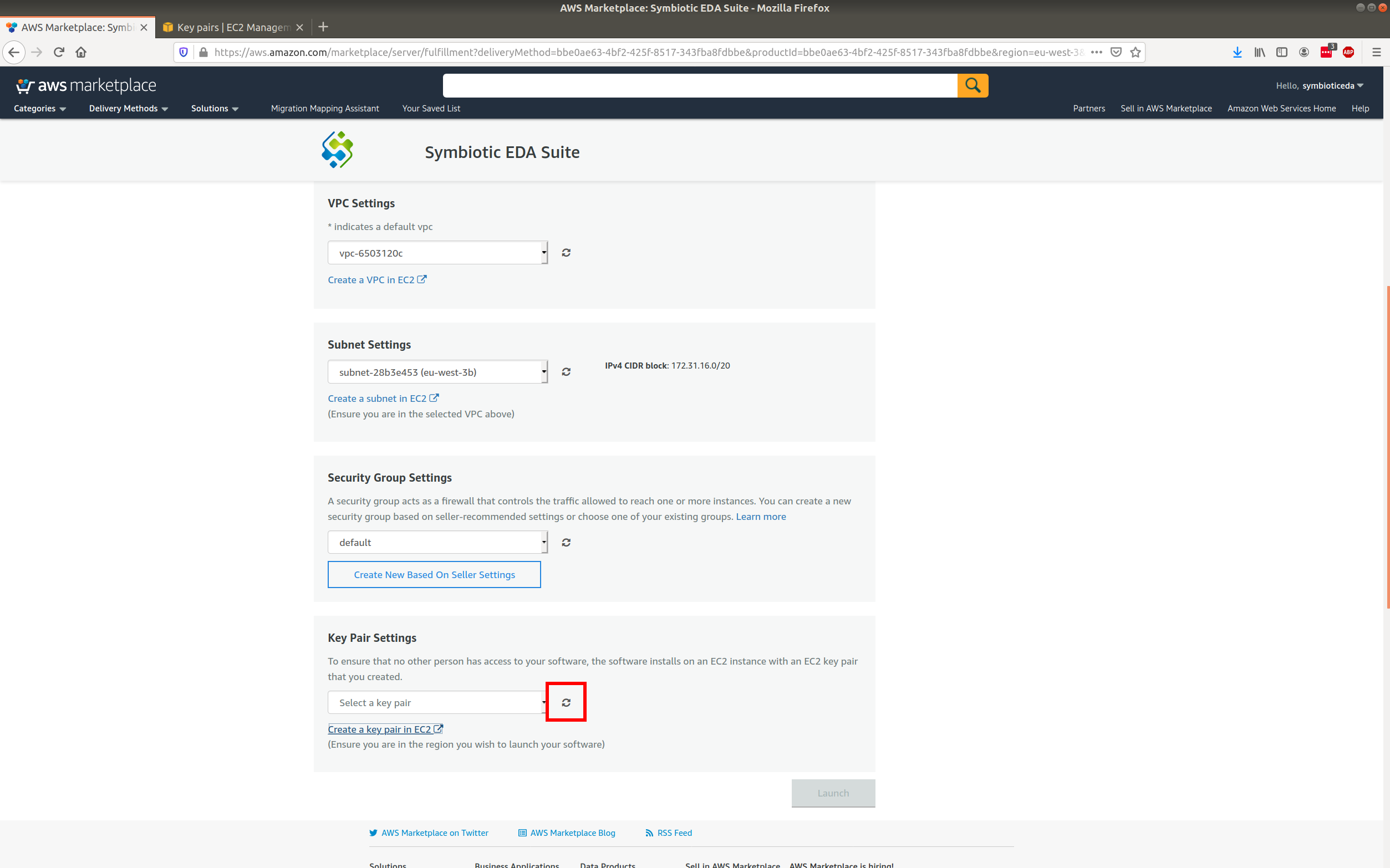
Choose the new key
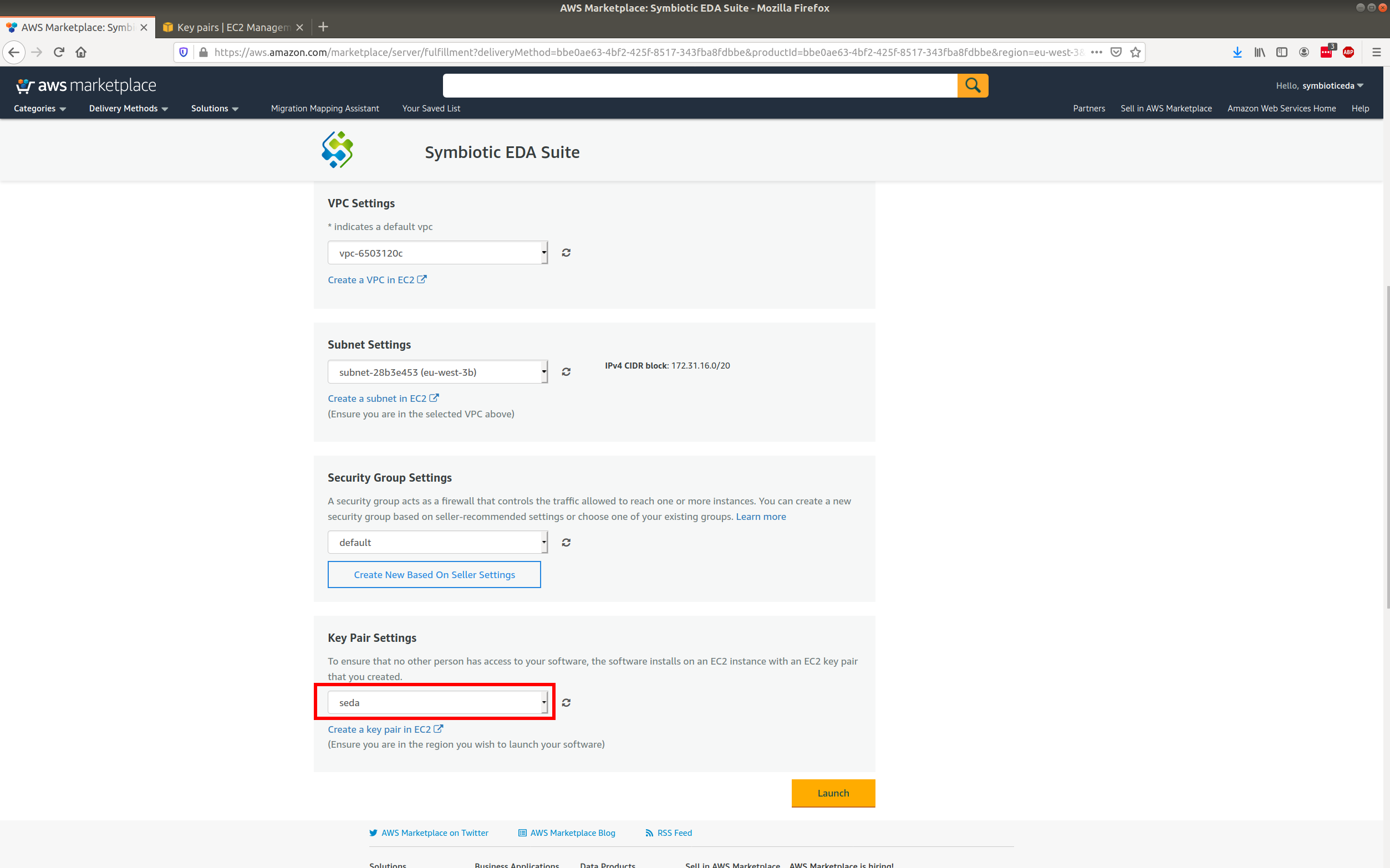
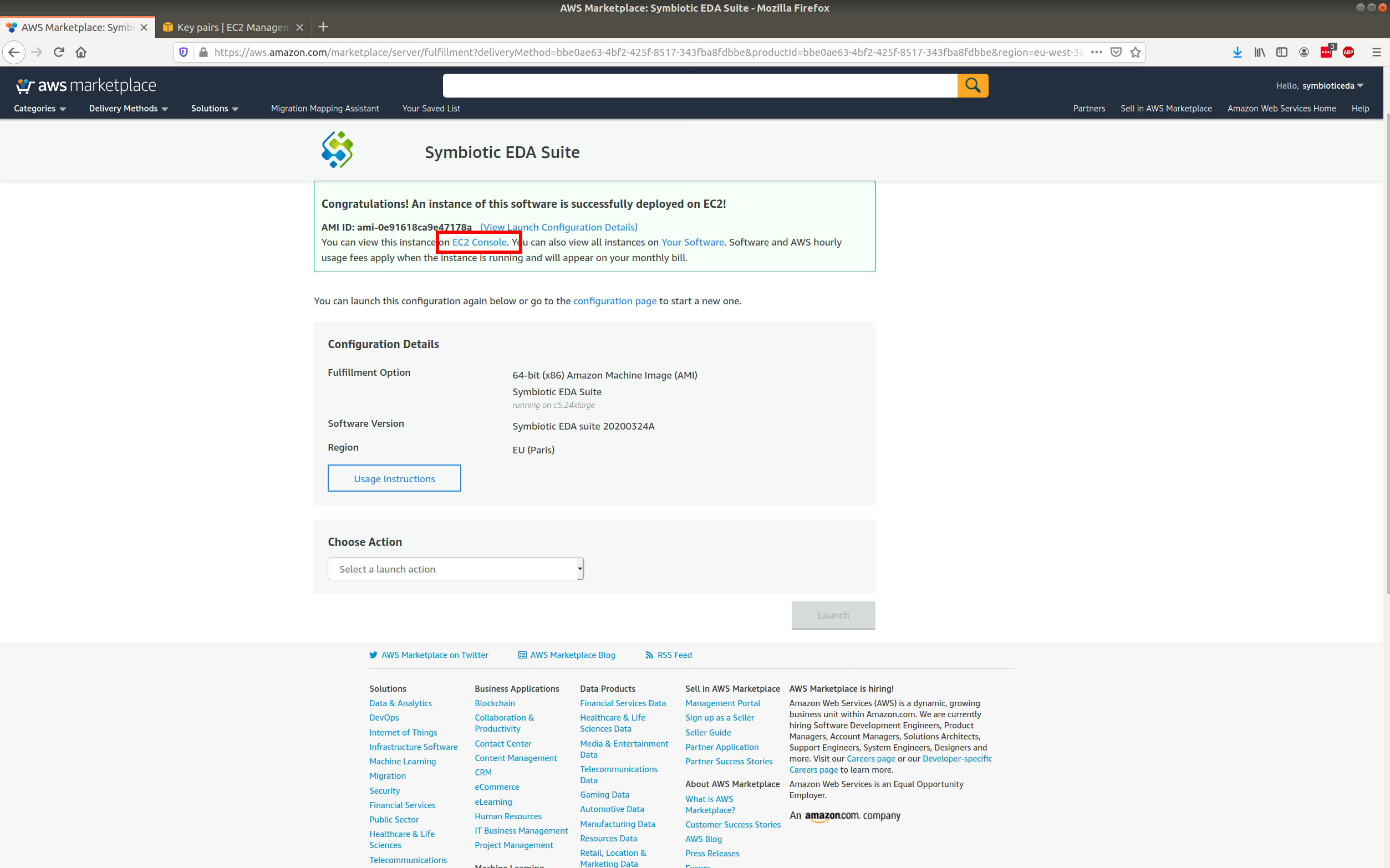
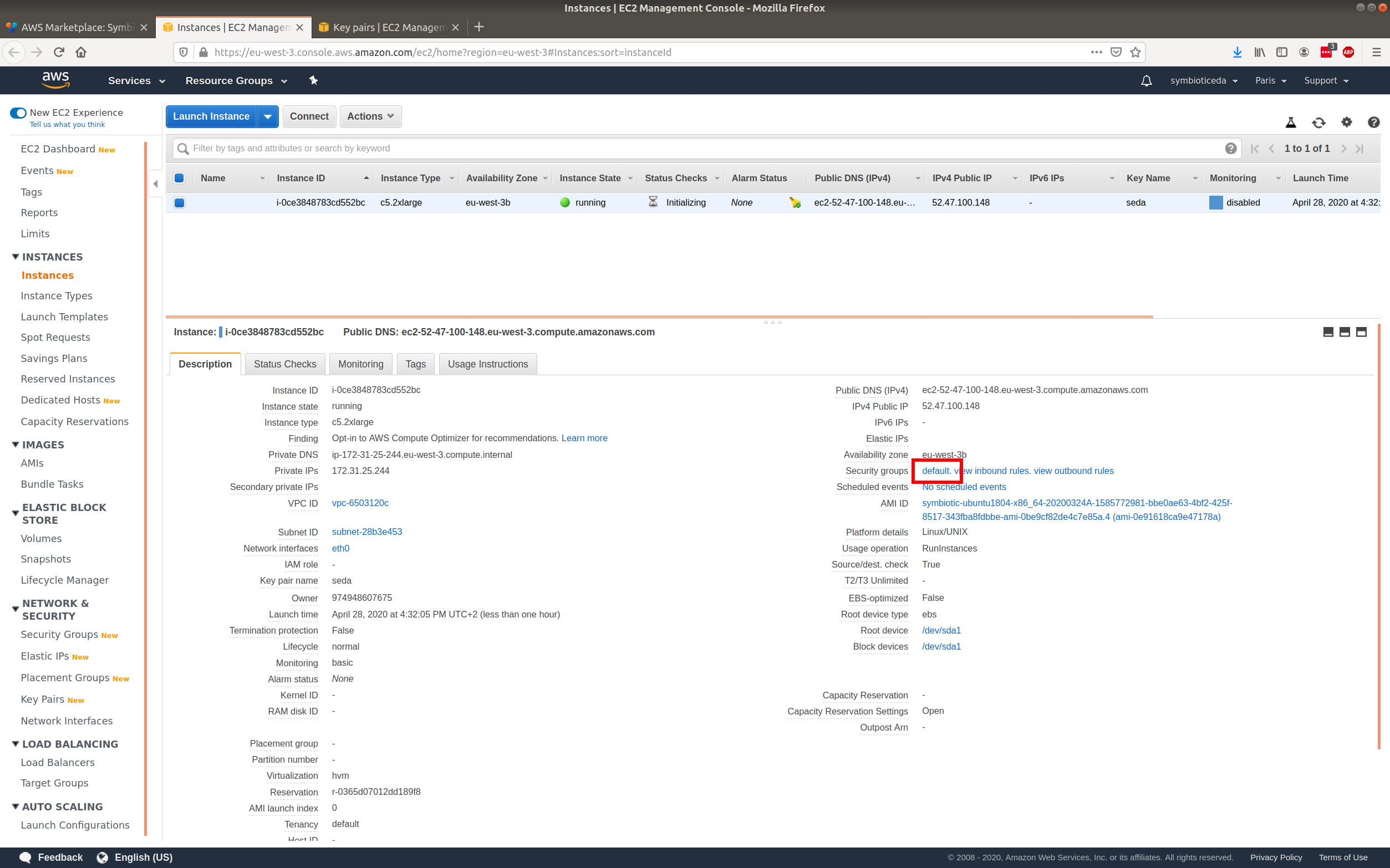
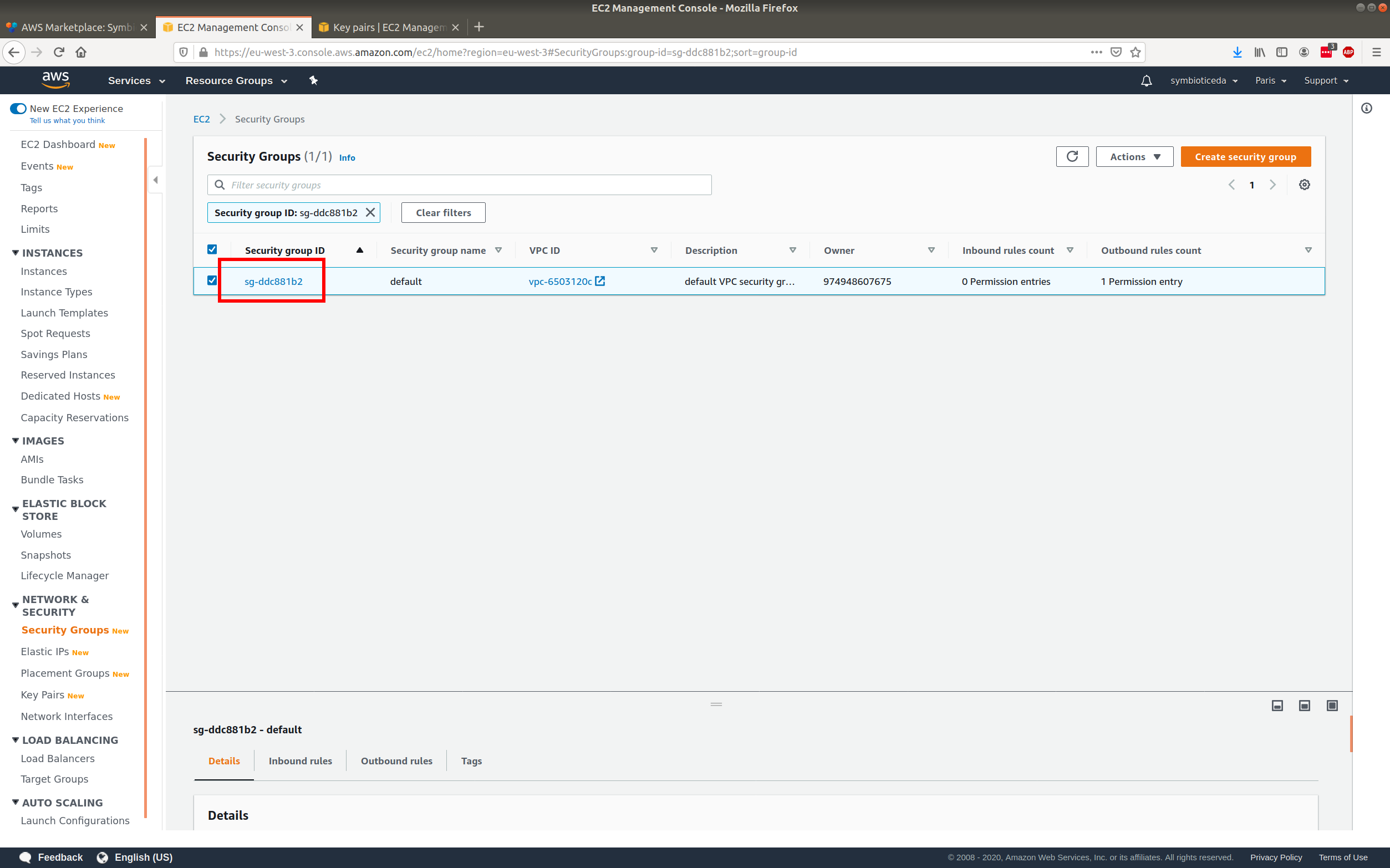
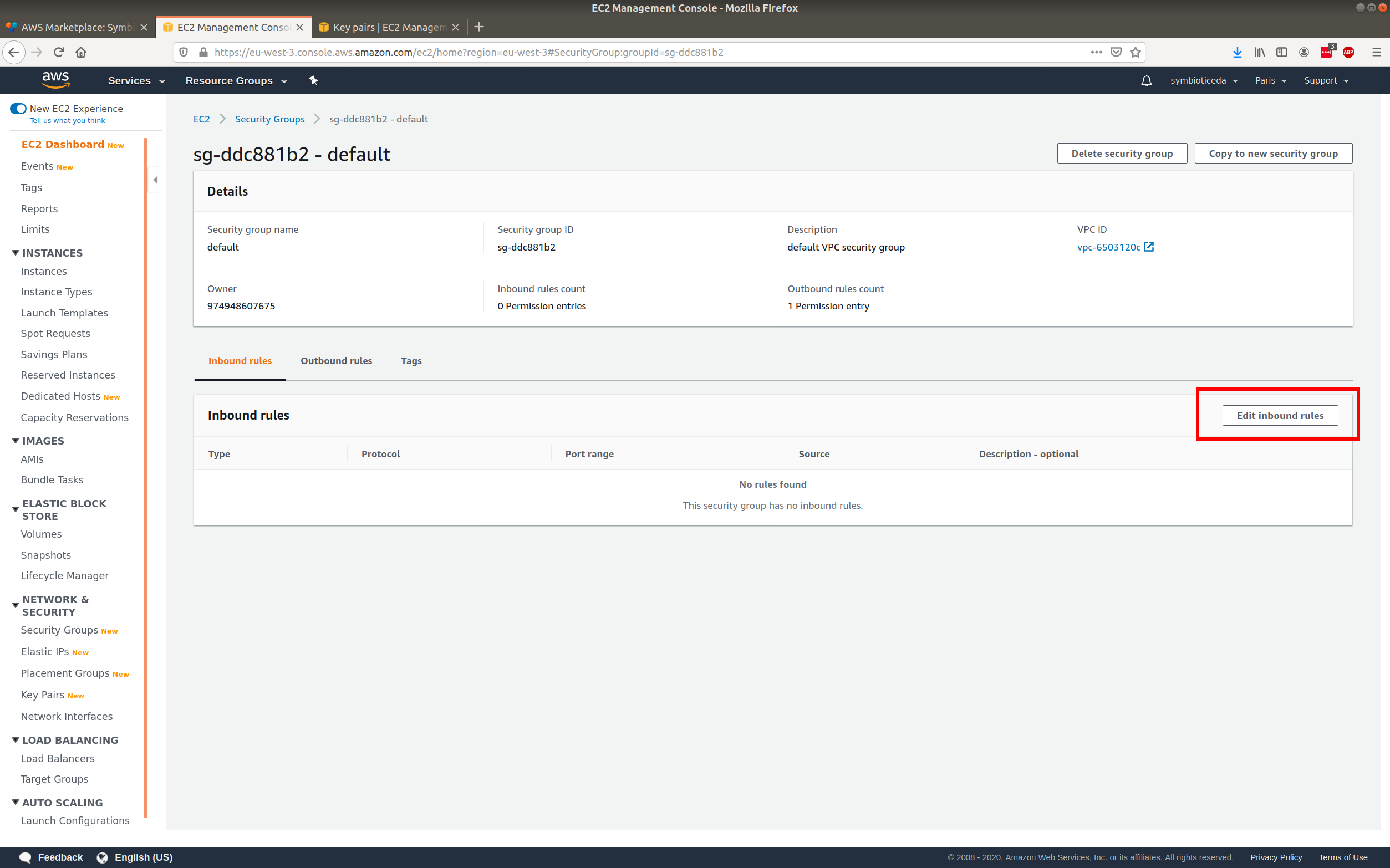
Launch the new instance
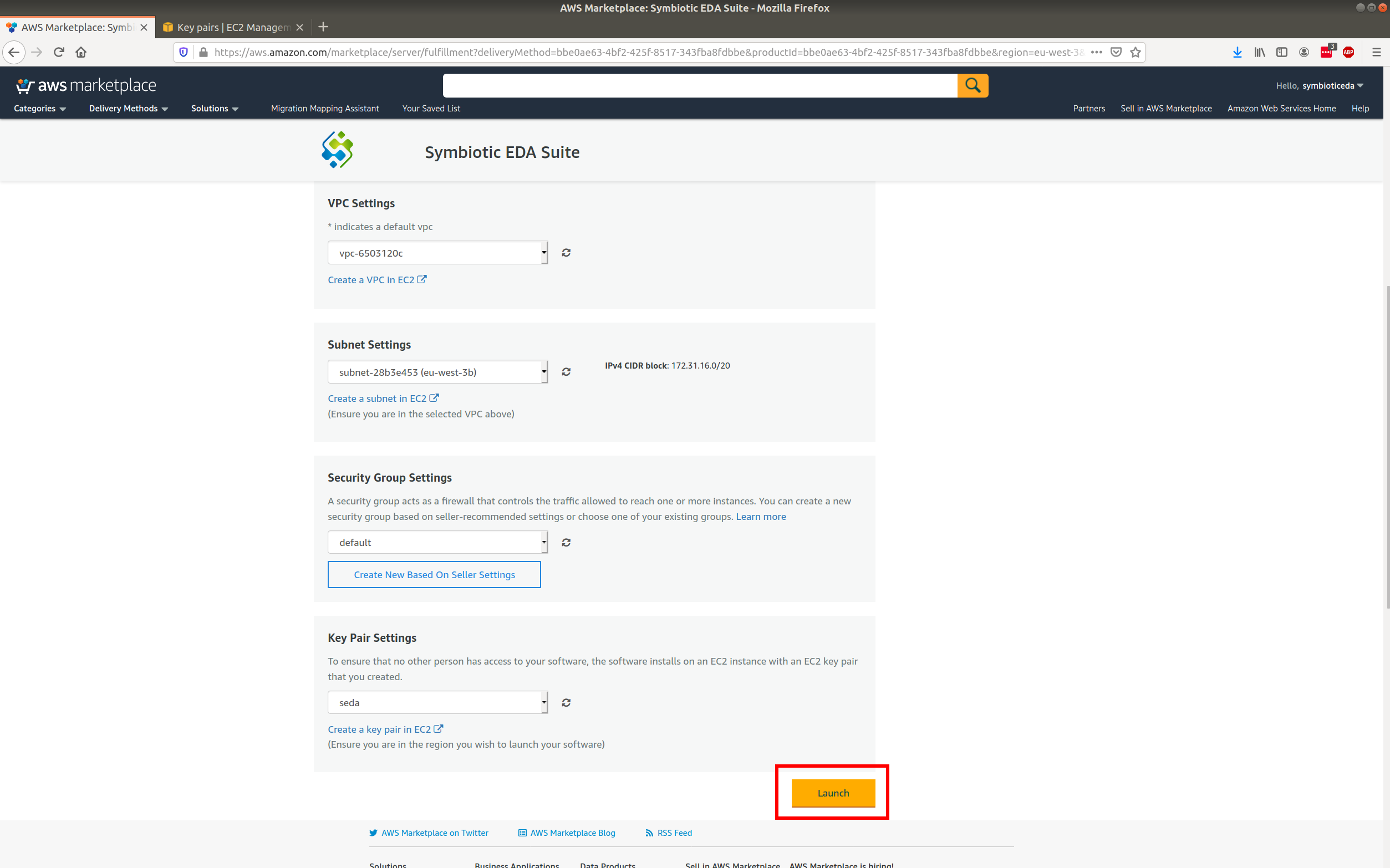
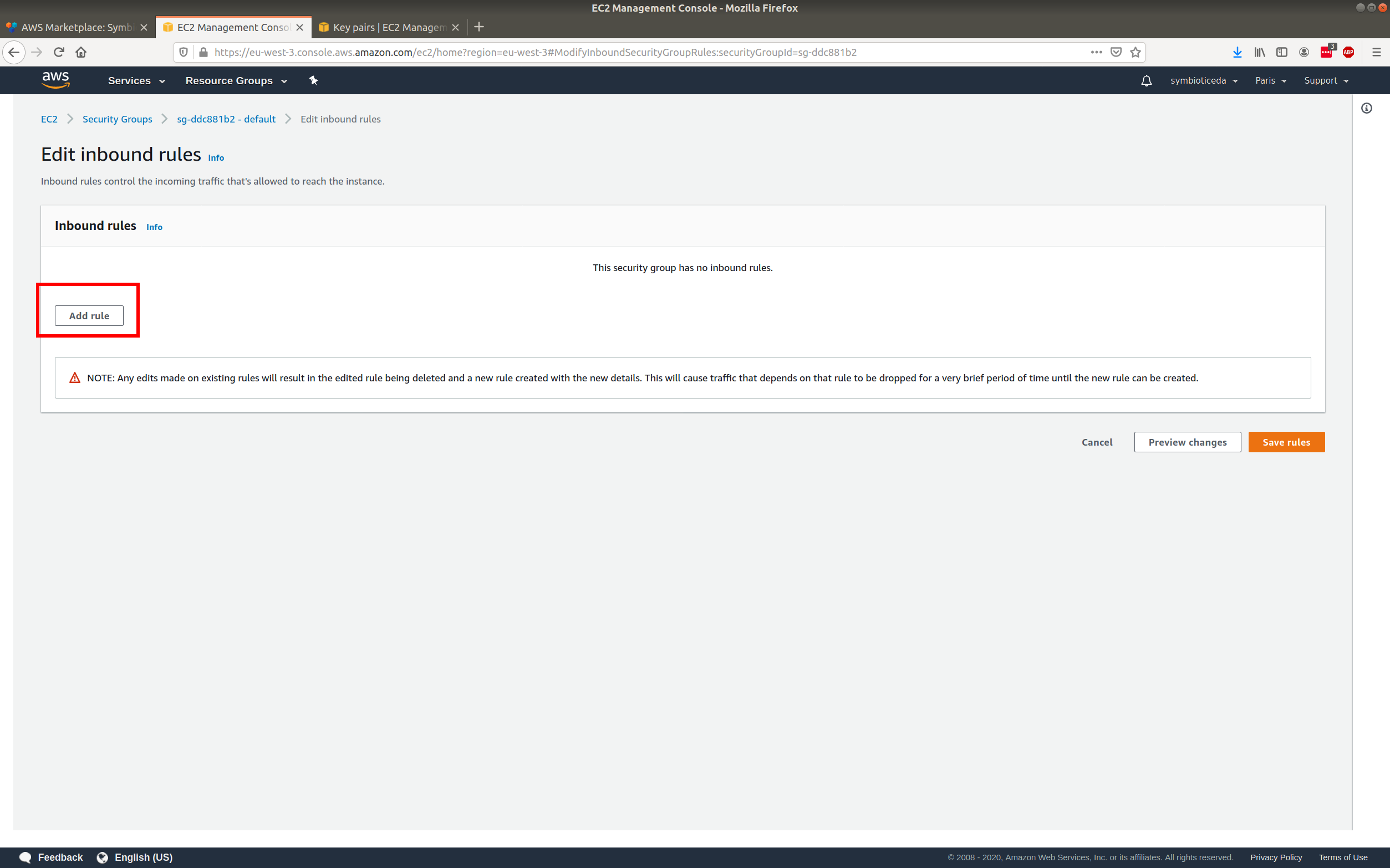
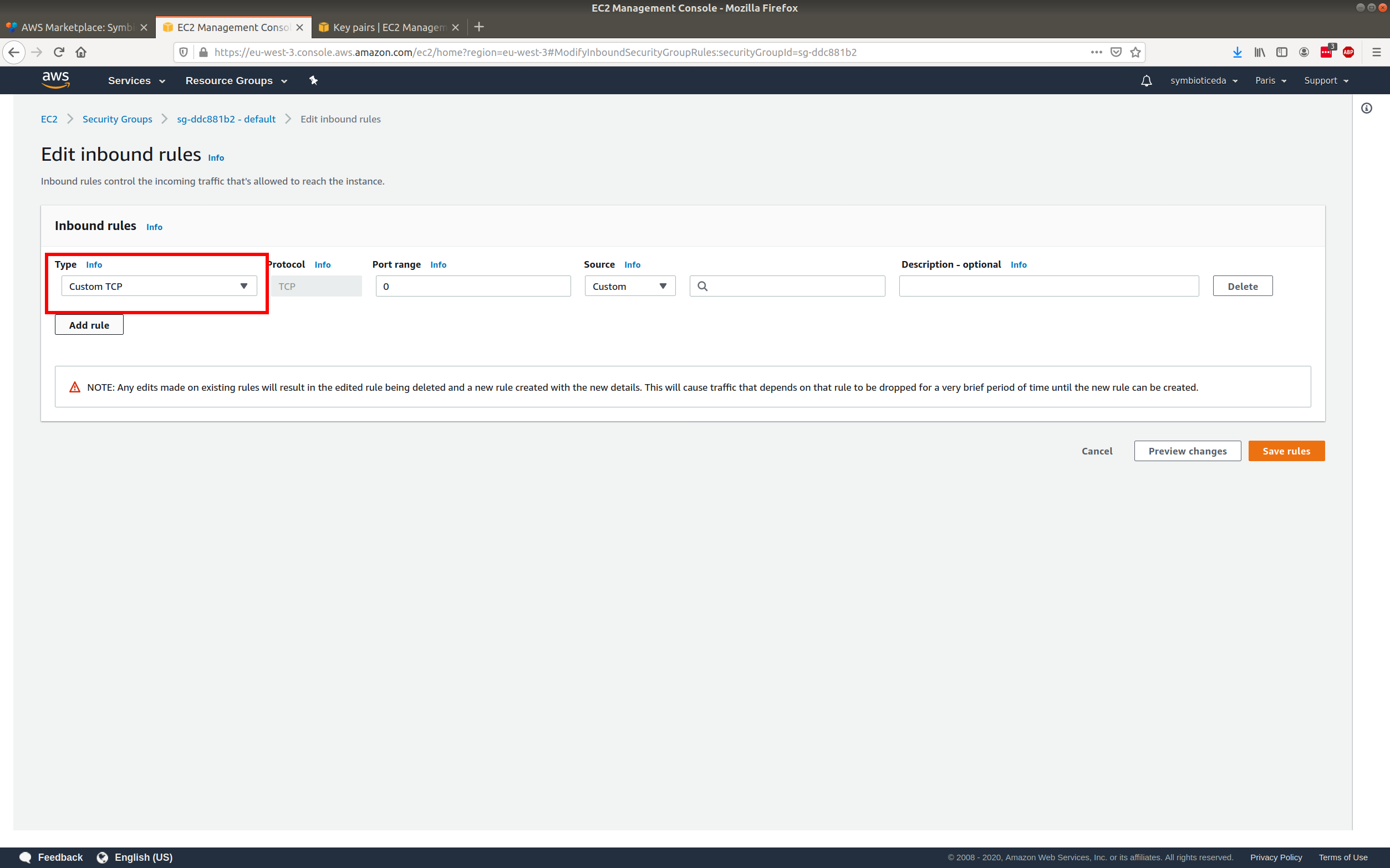
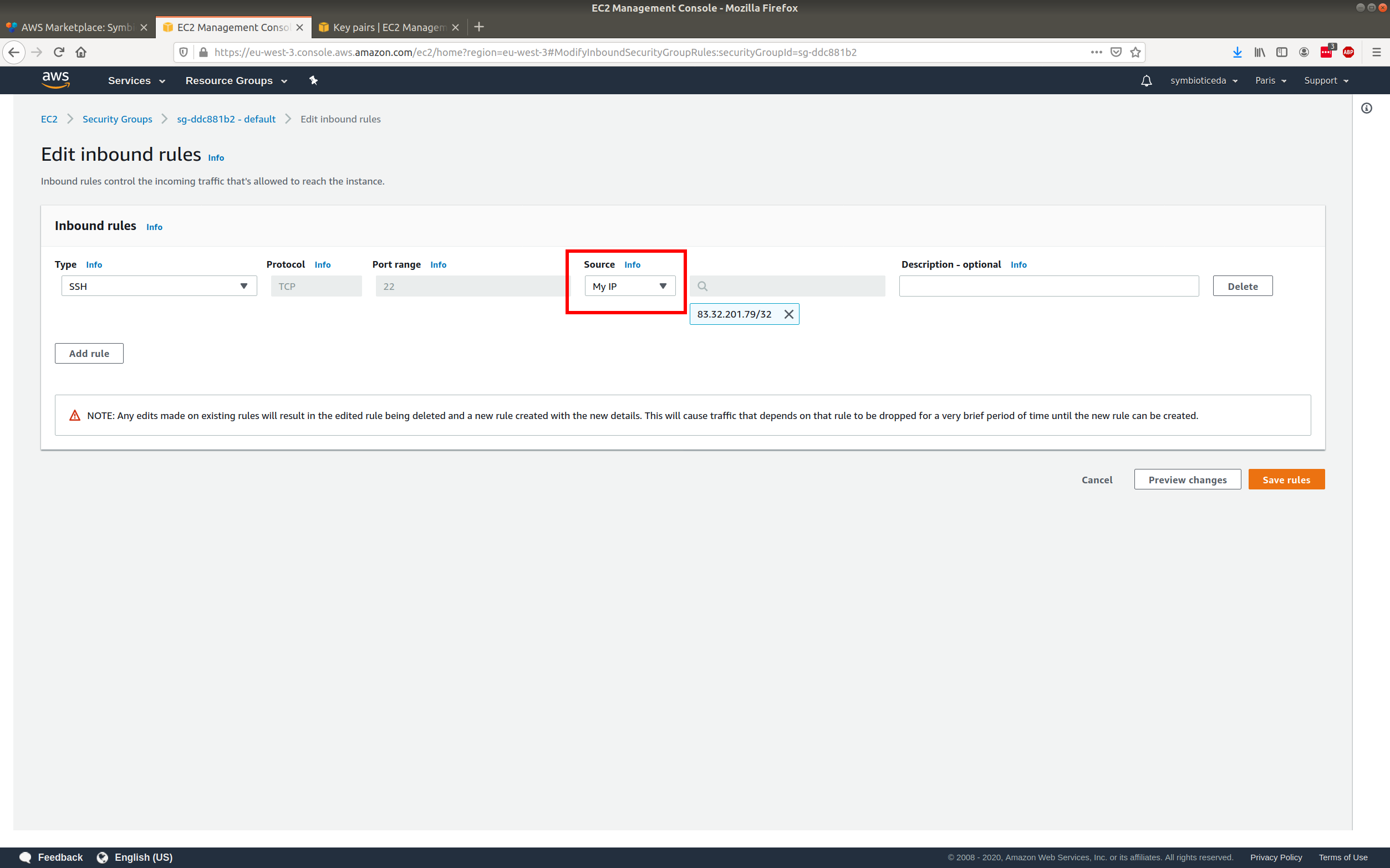
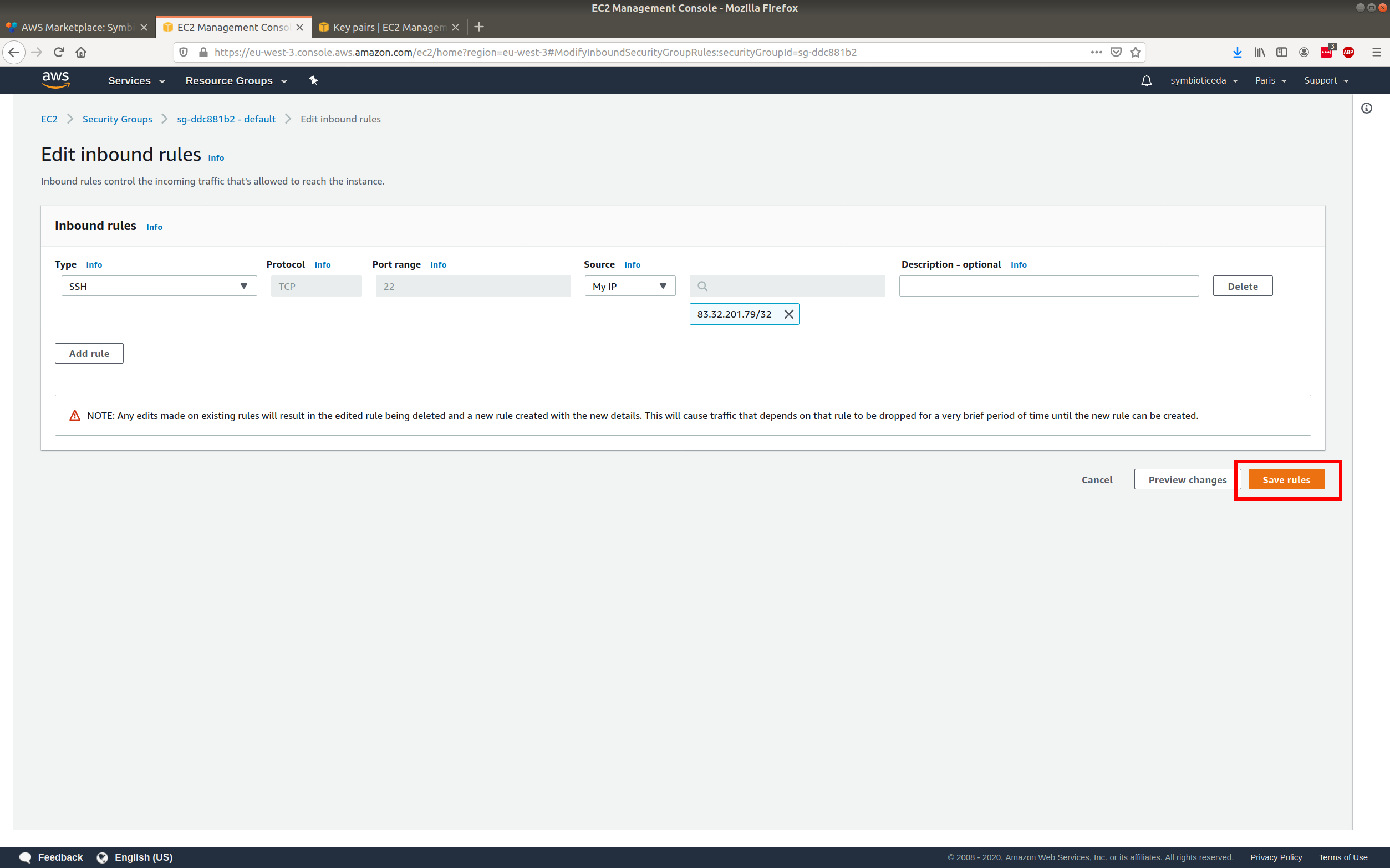
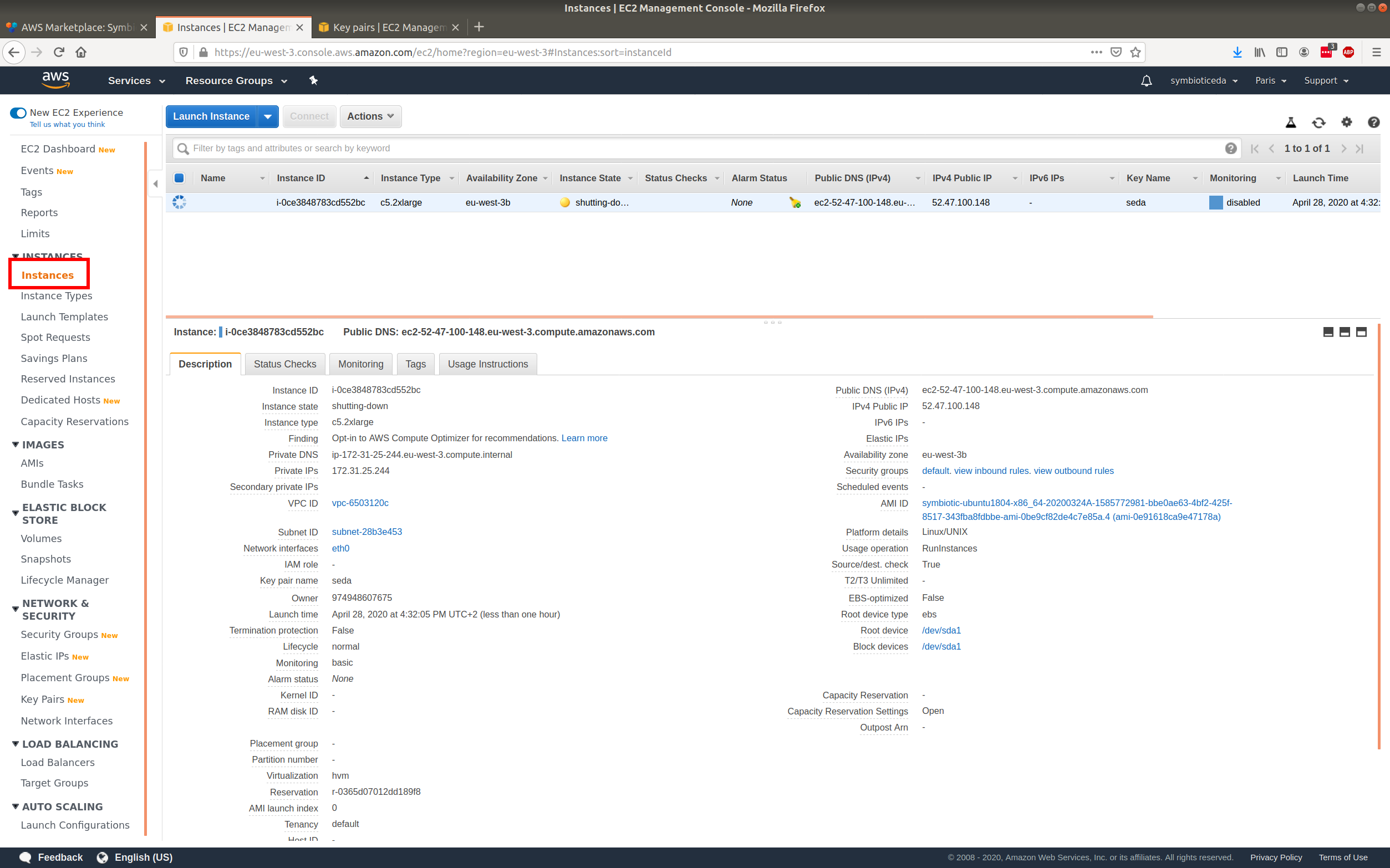
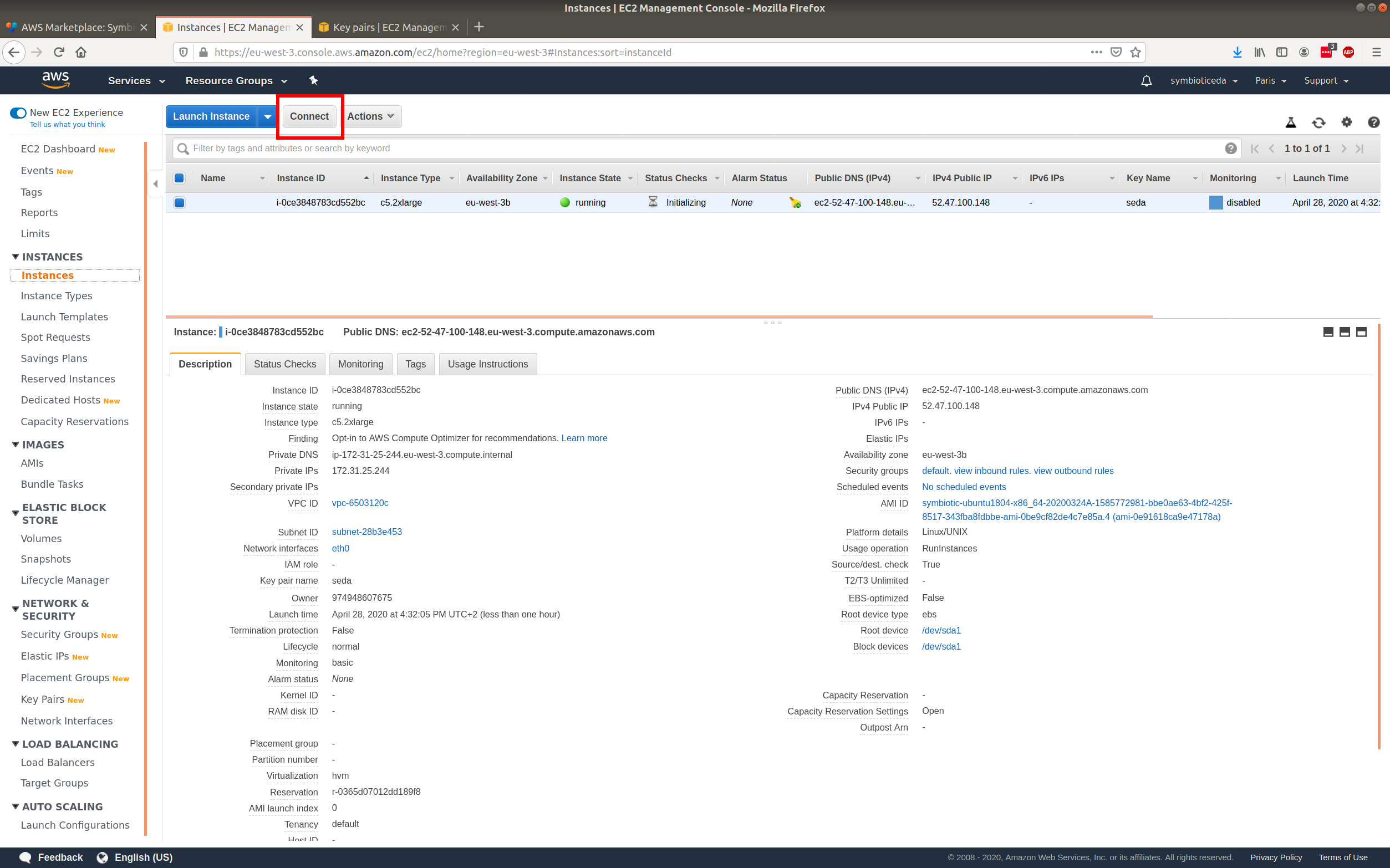
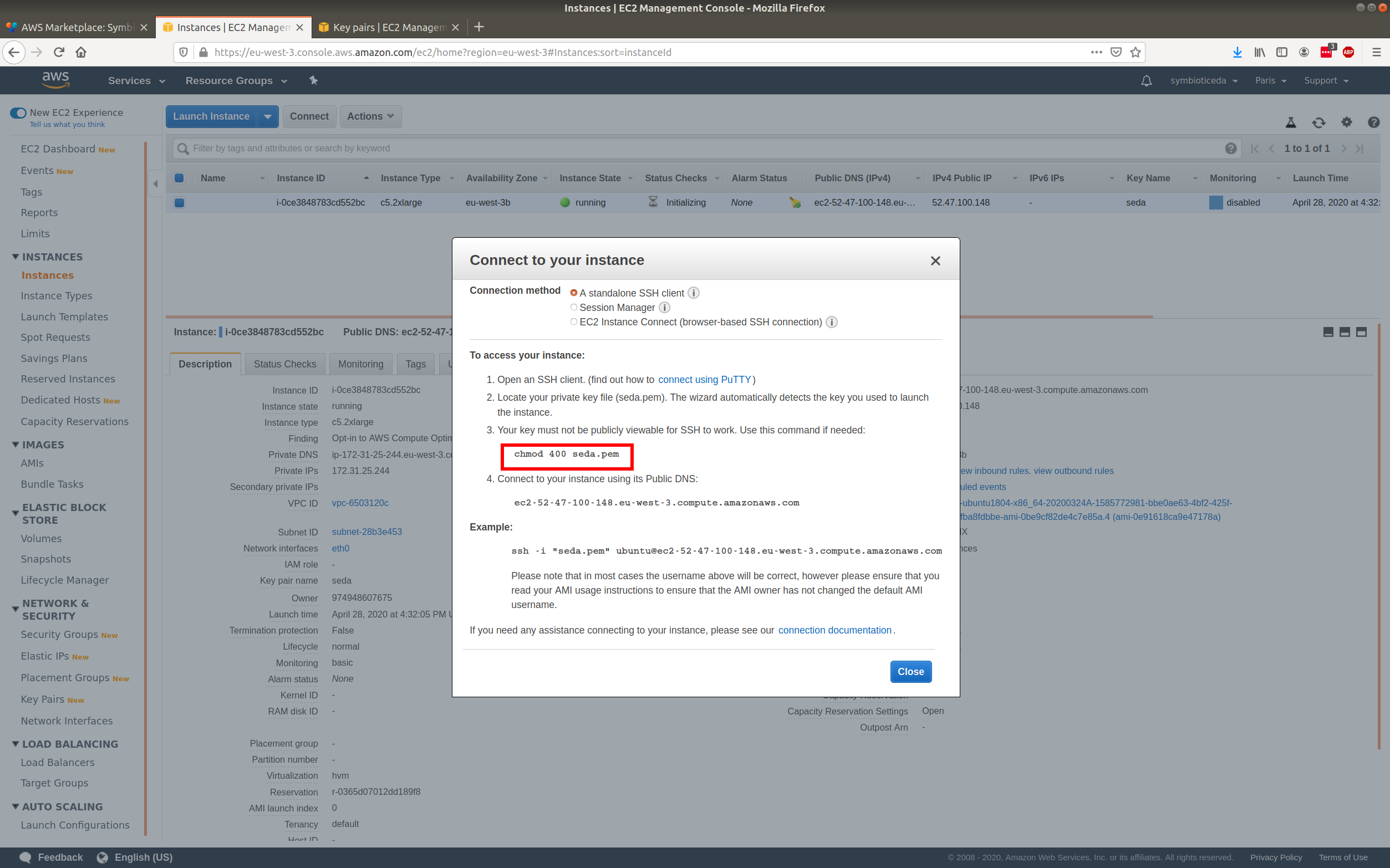
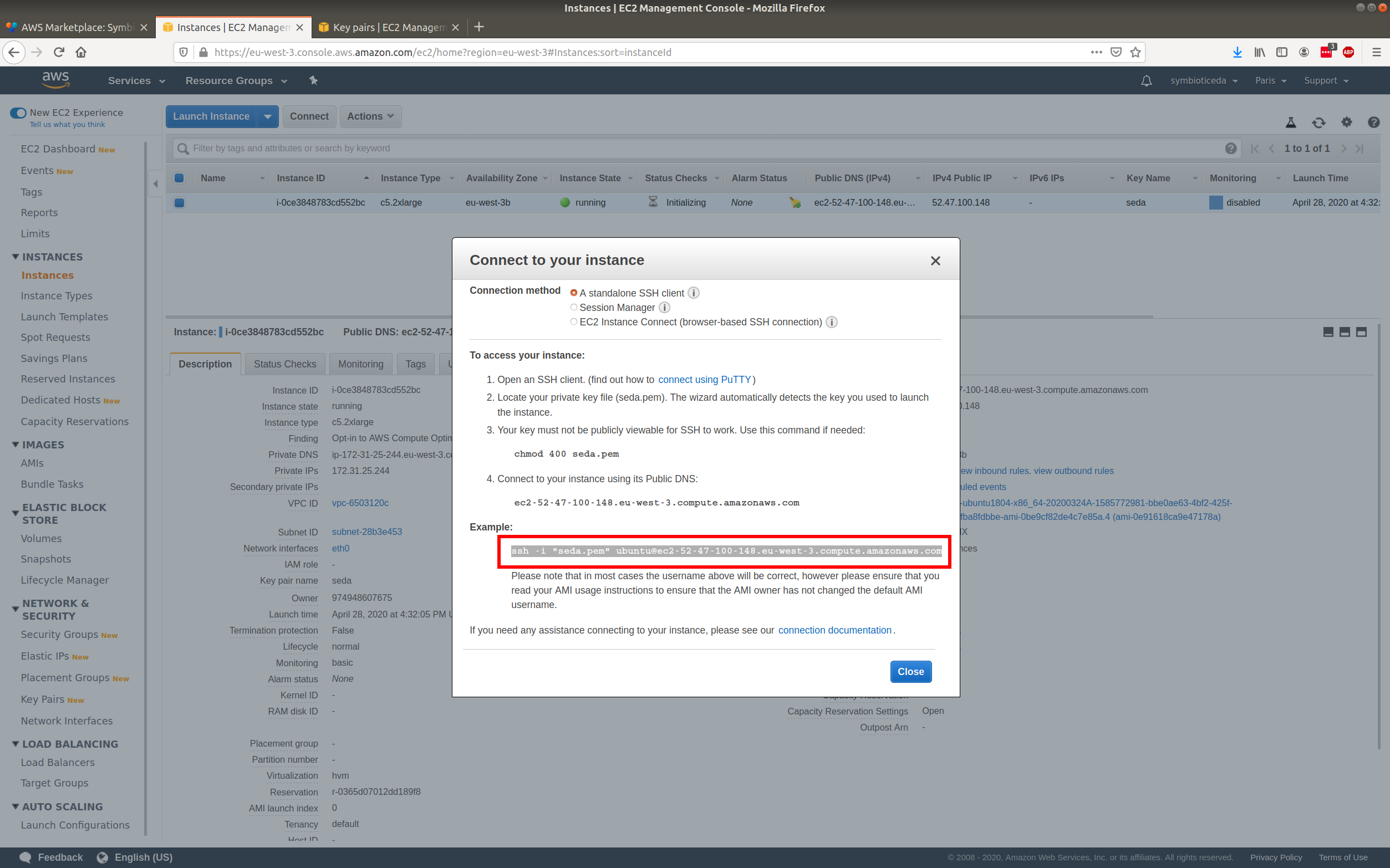
Run the command on your downloaded key
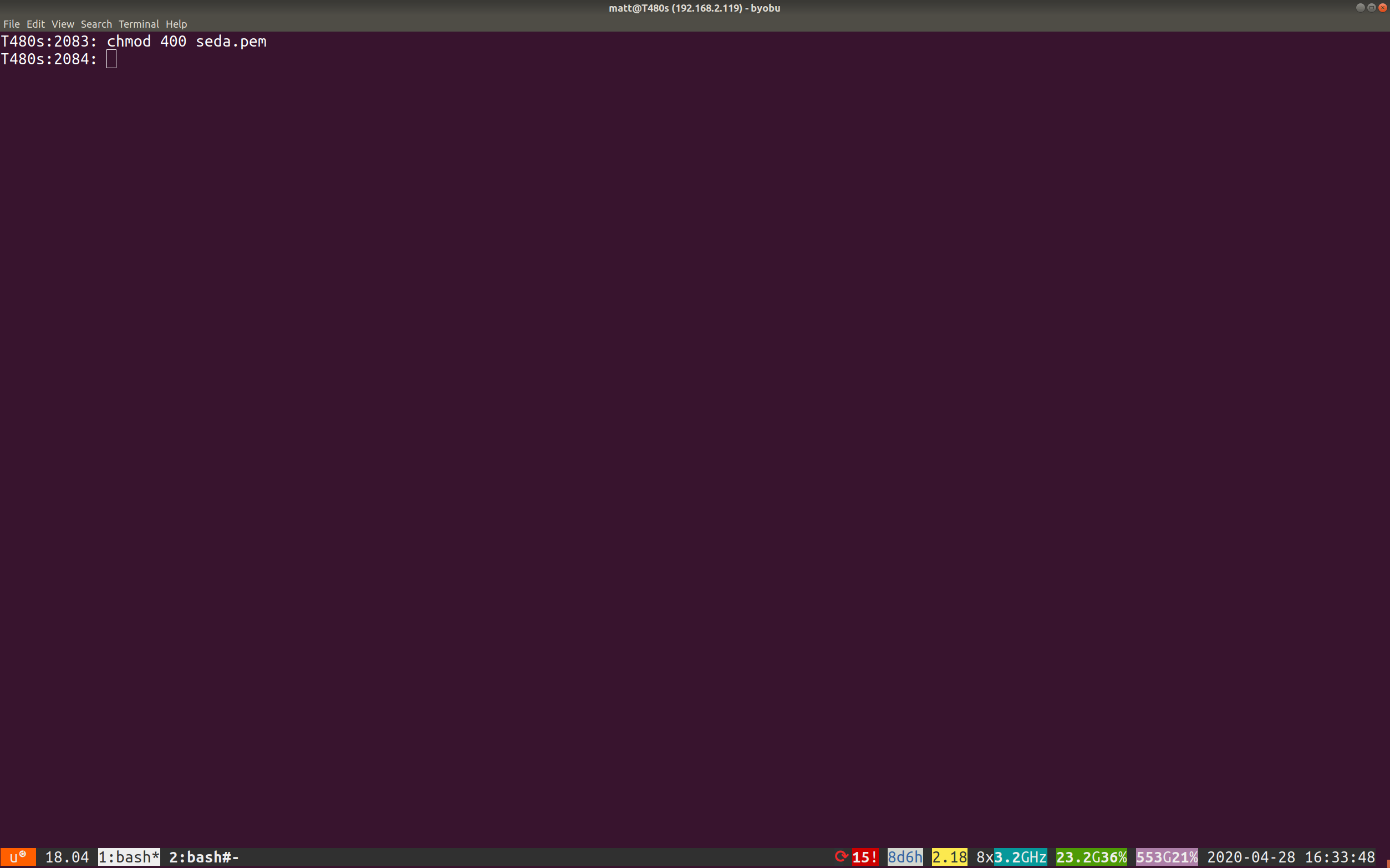
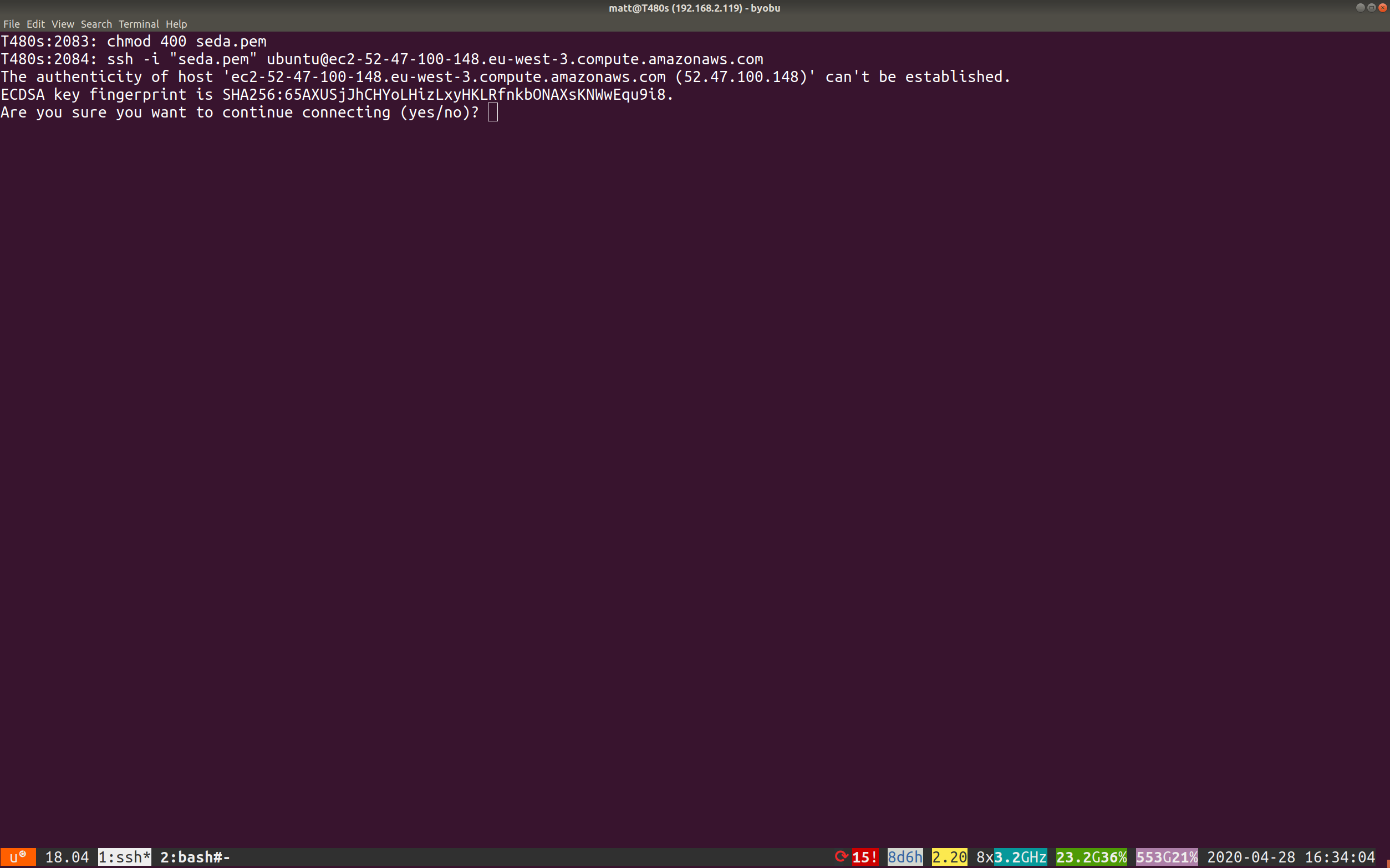
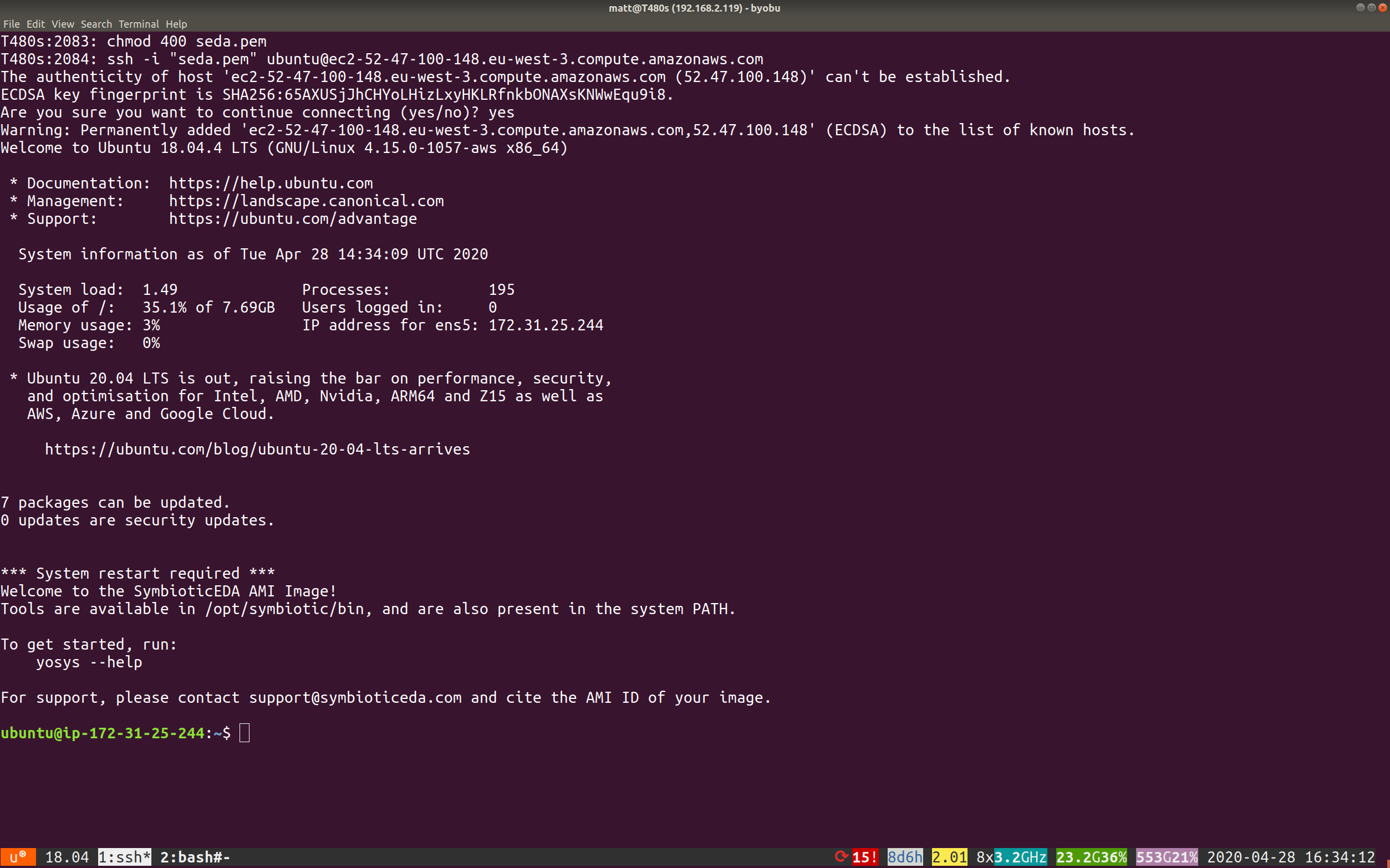
In a terminal, go to where you downloaded the key from step Save the key pair. Then paste in the copied text from step Copy the chmod text.
Start yosys to test the tools
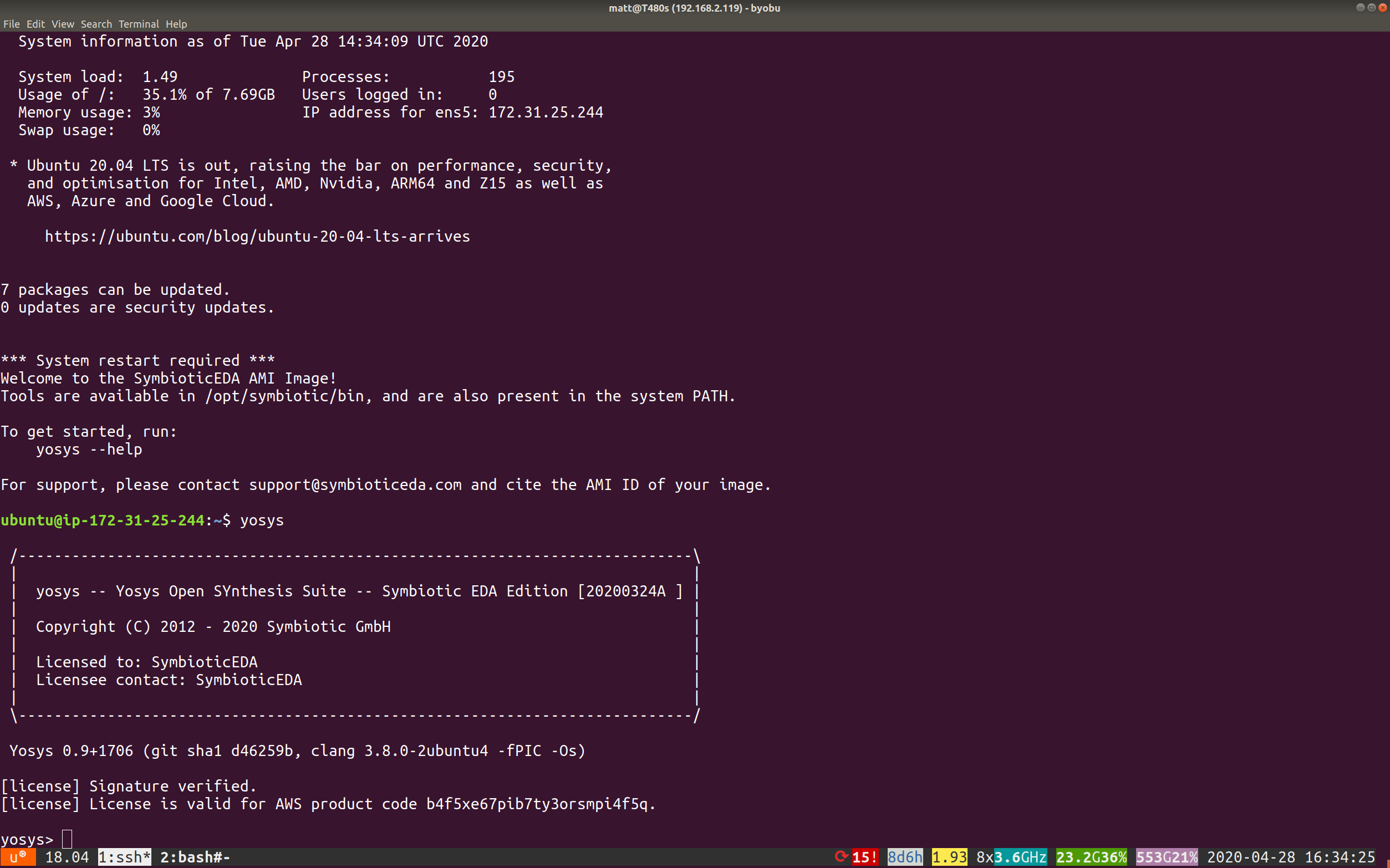
Type yosys and press enter. You will see the license verified. Type exit to quit.
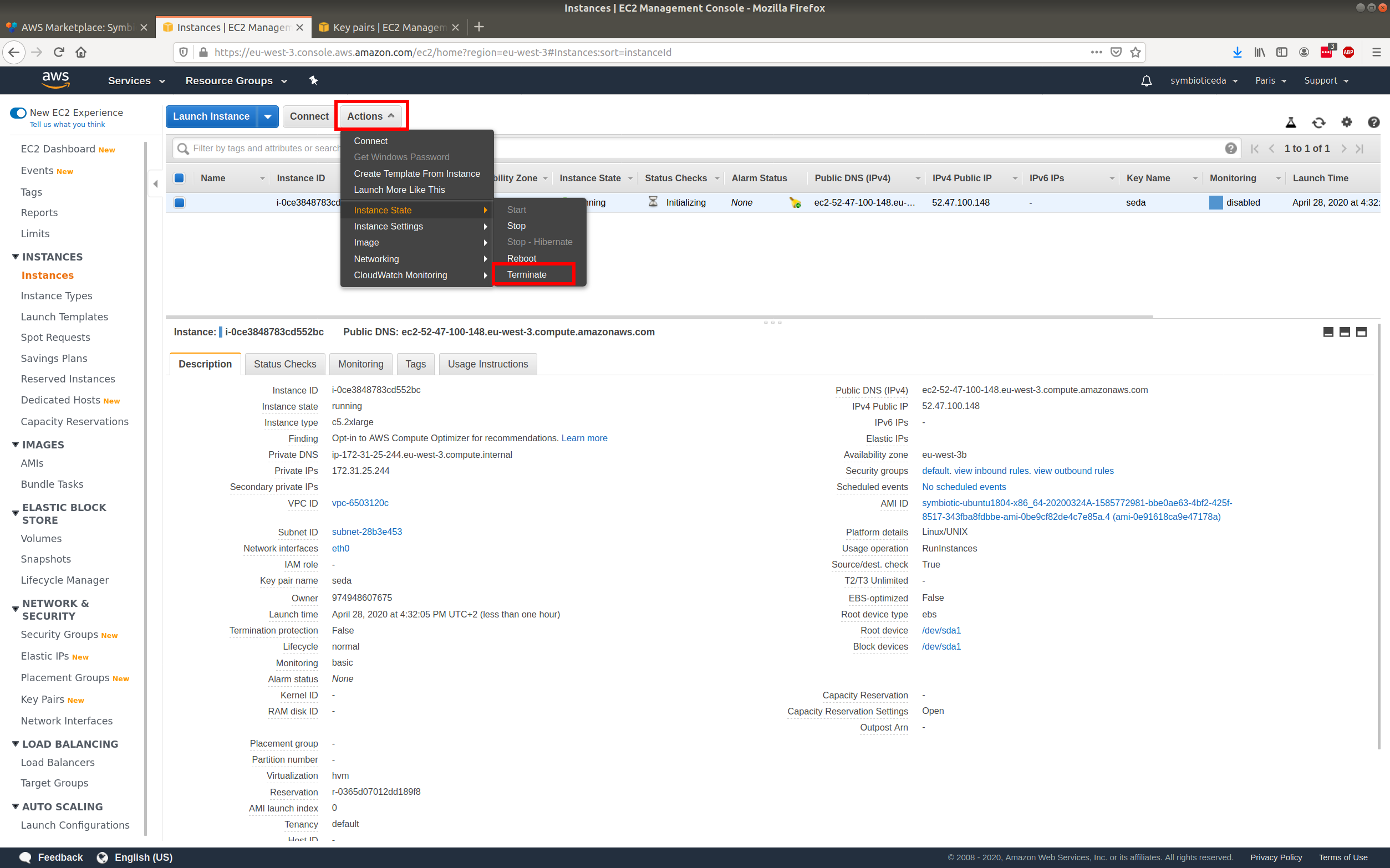
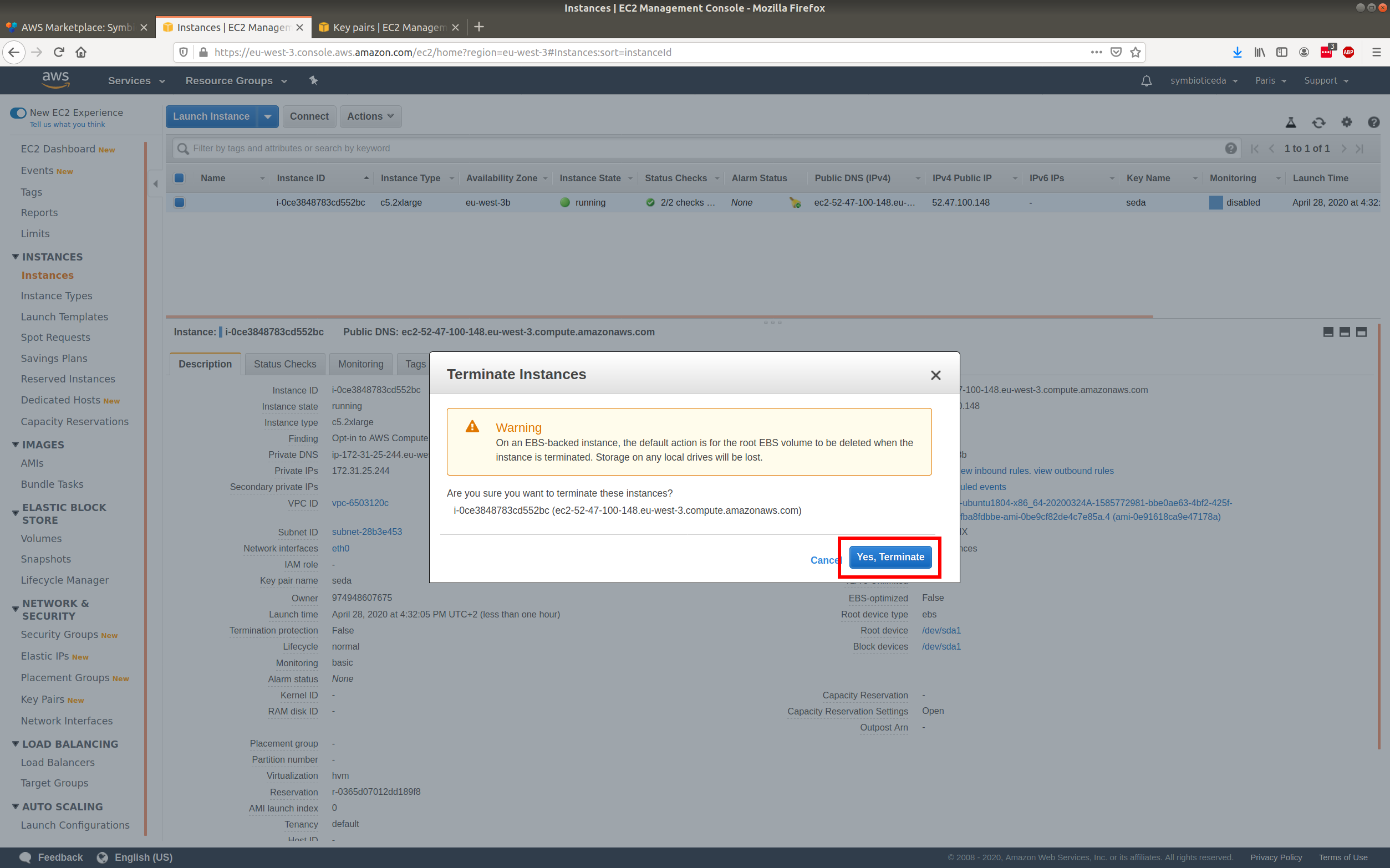
Terminate instance when finished
Click the actions button, then choose instance state and terminate.